Canadian projector buying guide
Google TV Projector Explained: What It Does and Who It Suits
Compatible built-in apps vary by model, region and provider licensing. A certified HDMI streaming device is the most flexible fallback when an app is unavailable.
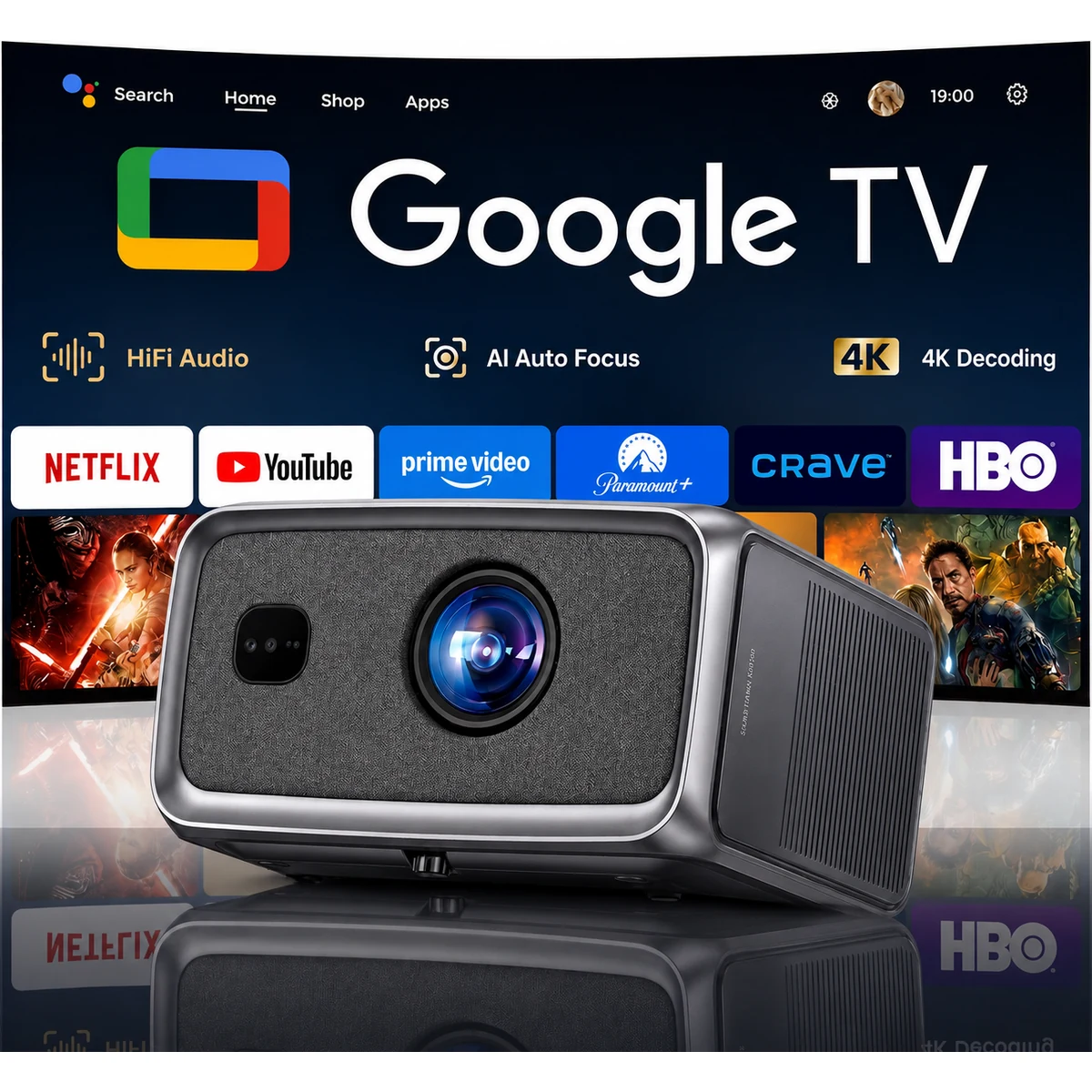
What Google TV adds to a projector
Compatible built-in apps vary by model, region and provider licensing. A certified HDMI streaming device is the most flexible fallback when an app is unavailable.
Apps, accounts and what to check
The apps available on any smart device are decided by each service provider and can vary by region and over time. Before buying, check the help pages of the services you use most for supported devices; Netflix, for example, publishes a list of supported devices. Sign in with the accounts you already pay for; a subscription may be required. If one service is missing, a streaming stick in a spare HDMI input remains a simple fallback, which is one reason the S8A’s two HDMI inputs are useful.
If you want streaming apps built in, see our guide to smart projectors with Google TV.
Google TV vs an Android-based projector
Both are smart systems, and both can run popular apps. The practical differences are the interface and how familiar it feels if you already use Google TV elsewhere, and the way apps are offered on that device. If you specifically want Google TV, choose the S8A. If you mainly watch one or two services that run on an Android-based model, a less expensive model may serve you just as well.
Google TV built in vs a streaming stick
A stick adds a device to power, a second remote and a cable, but it can be moved to another screen and replaced when it ages. A built-in interface keeps the setup tidy. Many people end up with both: Google TV for everyday viewing, and a console or stick in the second HDMI input. Phones and laptops can also send video to compatible receivers; Google’s help page on casting from supported apps describes how.
Picture: 1080p display with 4K input
Google TV is about the interface, not the resolution. The S8A displays native 1080p and accepts compatible 4K input, so a 4K streaming device or console can connect. It does not output 4K UHD; if 4K UHD (3840 × 2160) output is the priority, the BOSS S7 is the BOSS projector for that, with an Android smart system instead of Google TV. The S8A projects from 65 to 200 inches, and autofocus with automatic keystone correction squares the image after it is moved.
Setting up Google TV on the projector
- Place the projector square to the screen and let autofocus and automatic keystone correction finish.
- Follow the on-screen setup and join your Wi-Fi network.
- Sign in with a Google account to use Google TV’s home screen and app installs.
- Install or open the services you use and sign in to each one.
- Play a film with dialogue and check picture and sound from your usual seat.
Allow time for updates the first time you switch it on; apps and the system may update before everything appears.
Shared rooms and accounts
A projector in a family room or a rental suite is used by several people. Decide whose Google account it uses, keep payment details off a shared device where the service allows it, and sign out of personal services before lending or selling the projector.
Who a Google TV projector suits
It suits households that already use Google TV elsewhere, people who want one remote for most of their viewing, and living rooms where a console and a stick share the screen. If you only watch one service and it runs on an Android-based model, the simpler choice may cost less.
Wi-Fi decides the experience
Streaming quality depends on the signal where the projector sits. The S8A has dual-band Wi-Fi; if the signal is weak in your viewing room, move the router or add an access point, or use a wired streaming device in the second HDMI input. Sign in to your accounts before a movie night, not during it.
Sound
Pair a Bluetooth speaker or headphones for bigger rooms, or use a wired connection when lip-sync matters most. Test dialogue from your usual seat before settling on a volume.
Honest limits
- No projector replaces a TV in a room you cannot darken; plan viewing with the blinds closed.
- BOSS Projectors rates the S8A at 7,000 manufacturer-rated lumens (not an ANSI measurement) (manufacturer rating), which is not an ANSI measurement.
- It weighs 3 kg, so it is a living-room or backyard projector rather than one to carry daily; the A5 weighs 0.45 kg.
Our recommendation
If you want Google TV built in, two HDMI inputs and a large picture for films and sport, we recommend the BOSS S8A. Read more in our guide to smart projectors with Google TV, or compare all four BOSS projectors with current prices.
Google TV projectors in Canada
Some apps and channels differ between the Canadian and US versions of a service, so check the Canadian help page for the services you watch. Prices on CanadaProjector.com are in Canadian dollars. Eligible direct orders ship free by expedited service: next business day in the eligible Ontario service area and normally 2–3 business days elsewhere after dispatch. Eligible orders can be returned within 30 days of delivery, and the S8A also suits backyard films after sunset in the summer months.
Current models and prices
Explore the current models
Review the key specifications and current prices. Open a model for the full details.