3D Active Shutter Glass
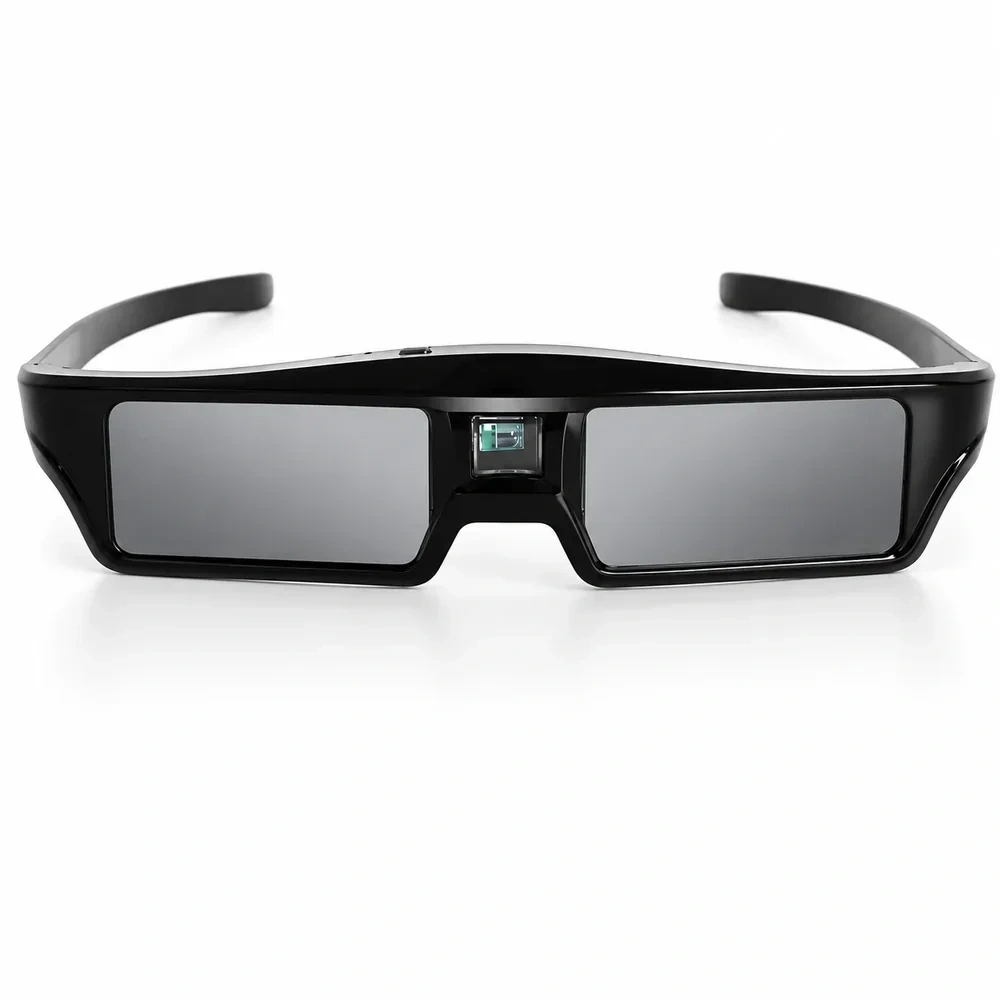
3D Active Shutter Glasses
In stock and ready to ship





Customer reviews
No customer reviews yet
Bought this model from BOSS Projectors, Best Buy, Walmart or another retailer? Share your honest experience after you have used it.
Positive and negative reviews are equally eligible. We review purchase information for authenticity and moderate only for spam, personal information and policy violations.
Model-specific buying help
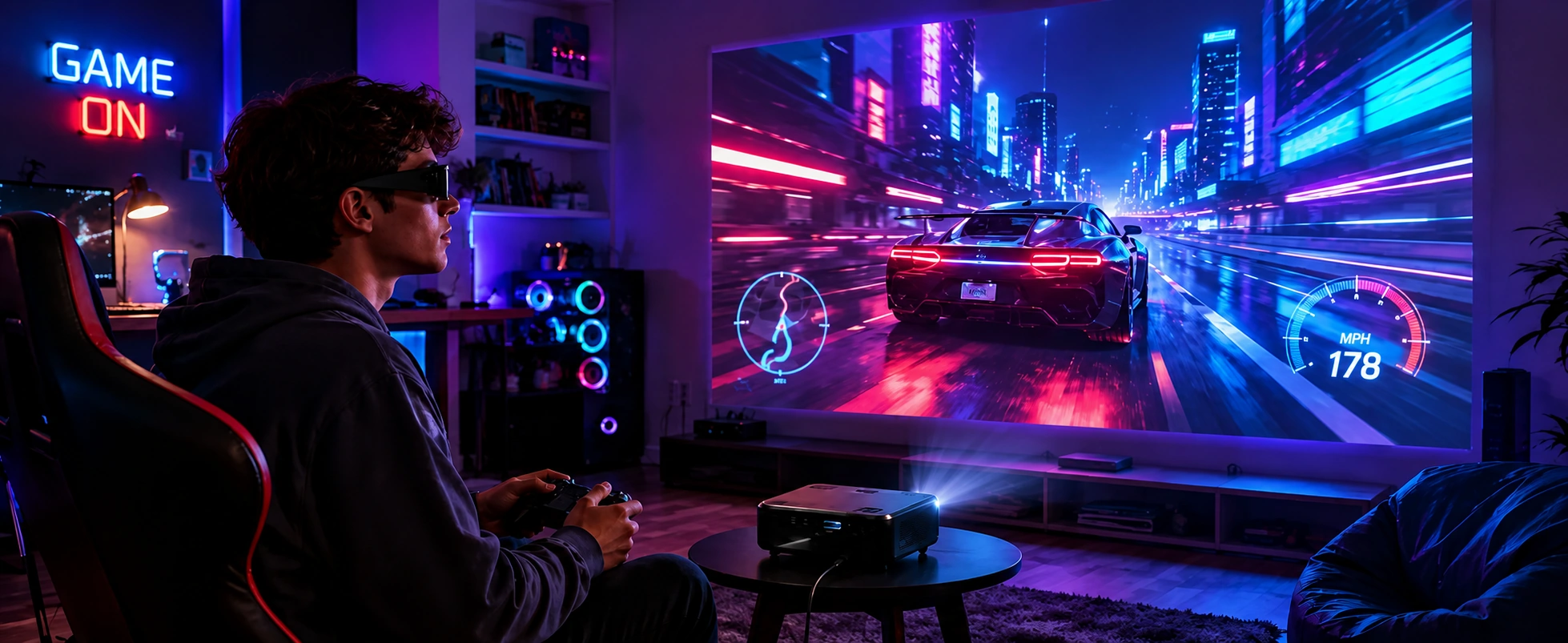
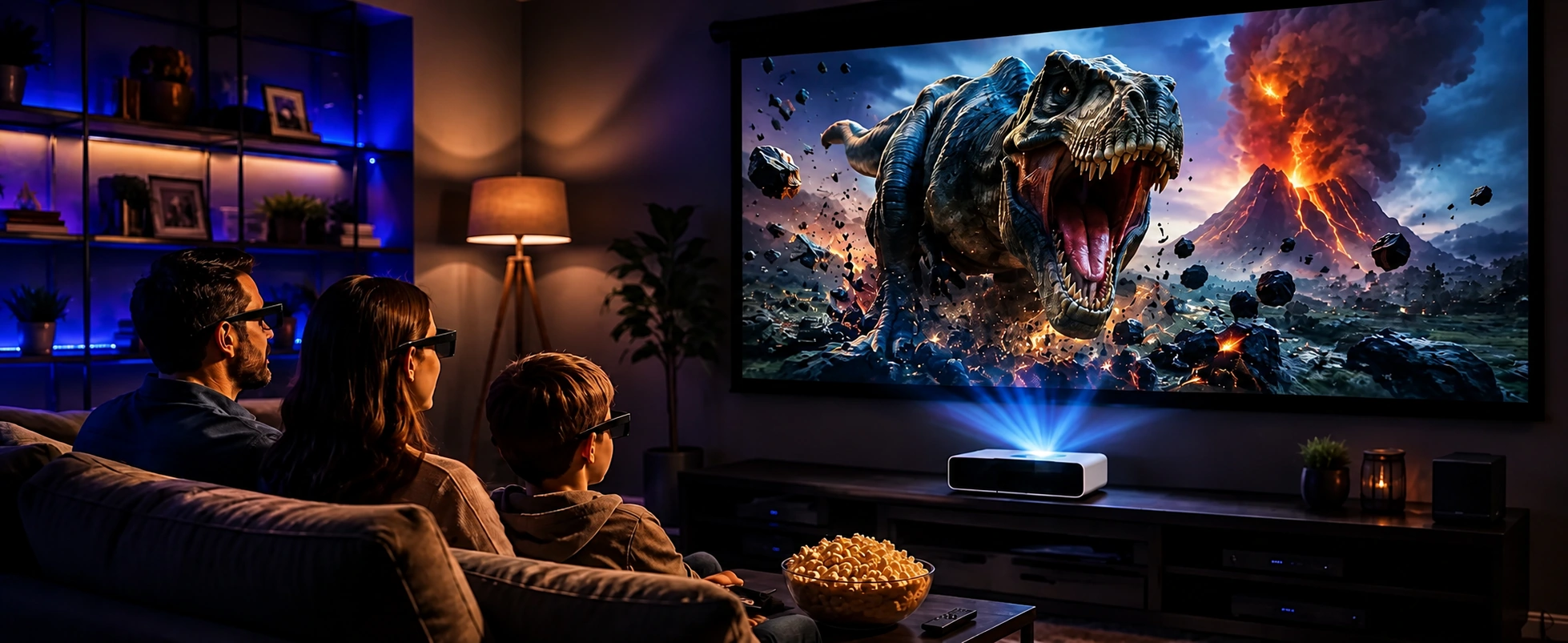
They synchronize with a compatible DLP-Link projector so each eye sees the correct alternating 3D frame. Compatible 3D content and projector mode are required.
Use the live product page and box list to confirm the current quantity and charging accessories before ordering.
Yes. Charge the internal battery before viewing and turn the glasses off before storage.
Confirm the projector explicitly supports DLP-Link active-shutter 3D and the source content uses a supported 3D format. A general “3D ready” label is not enough.
They are not a substitute for red-and-blue anaglyph glasses and do not work with projectors that lack compatible DLP-Link synchronization.
They are the active-shutter type supplied with eligible direct BOSS S7 orders. A5, S6A and S8A bundles use red-and-blue glasses for matching anaglyph 3D content.
Charge the glasses, start supported 3D content, enable the projector’s matching 3D mode, face the screen and power on the glasses. Keep the projector-to-screen path unobstructed.
If depth appears reversed, use the projector or source left/right 3D setting when available. Reconfirm the content format before changing picture settings.
Use a charged pair in a controlled-light room, sit within the projector’s useful viewing area and avoid bright flickering lights that can interfere with synchronization.
Clean lenses with a soft lens cloth, avoid bending the frame and store the glasses powered off in a dry case. Recharge periodically during long storage.
Recharge fully, confirm DLP-Link is enabled, verify the source 3D format and remove obstructions. Flicker can also come from room lighting or an unsupported frame format.
Stop viewing if you feel eye strain, dizziness or nausea. Children and anyone with a medical concern should follow the content and equipment safety guidance.
This active-shutter type is included with eligible direct BOSS S7 orders while the offer is displayed. Other projector bundles use red-and-blue glasses.
Yes. Checkout accepts serviced Canadian addresses, and prices are displayed in Canadian dollars.
Send the projector brand and model, the exact 3D content format, source device, connection type and a description of any flicker or sync problem.
*Note
1. Actual visual experience depends on the color grading and format of the specific 3D content being viewed.
2. Designed specifically for Active DLP-Link 3D content. Not compatible with passive 3D TV systems.
3. Designed to fit over most standard prescription glasses; however, comfort varies based on your specific frame size.
Free expedited shipping on eligible direct orders. Taxes calculated at checkout.
Please do not close or refresh this page.


