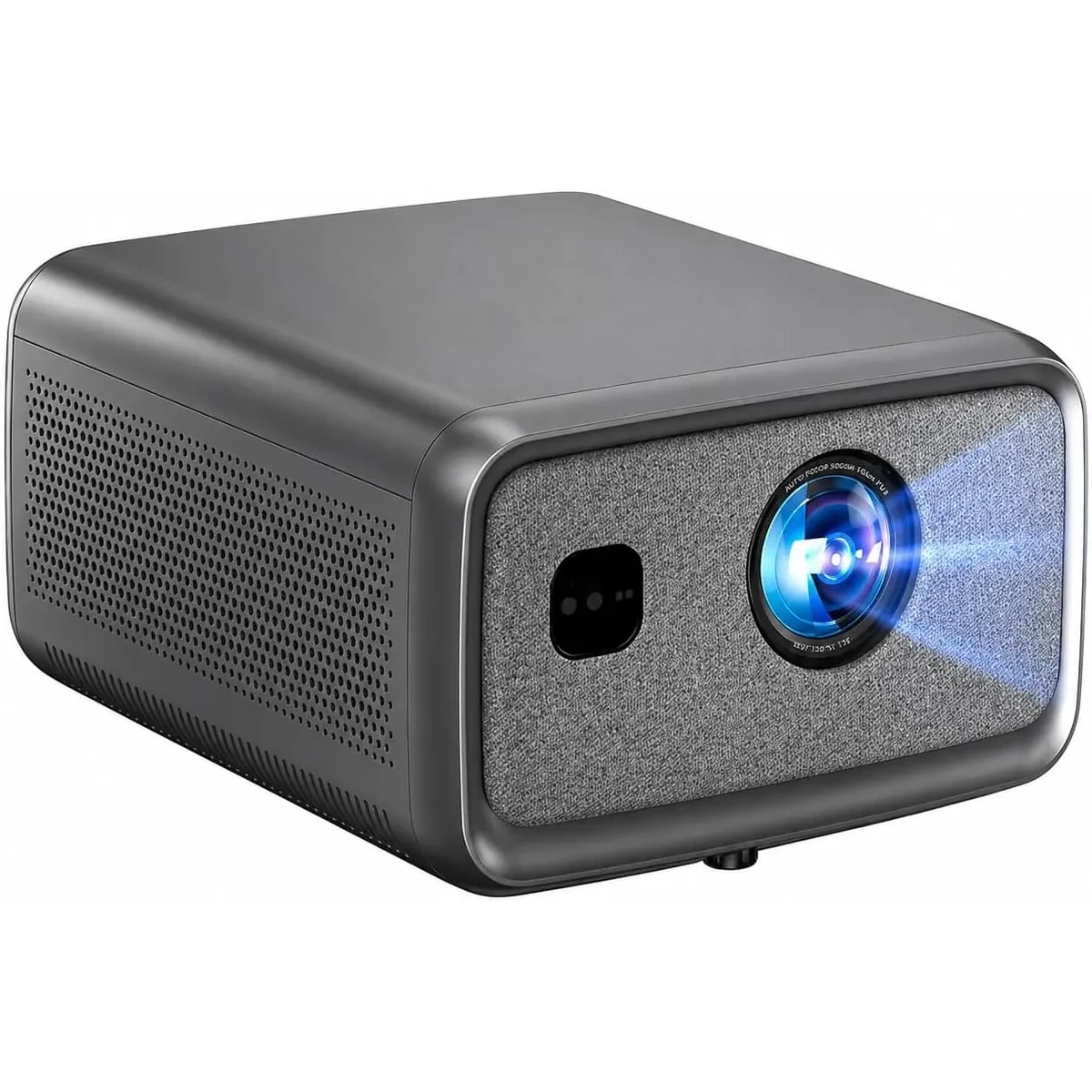
BOSS S8A Native 1080p Smart Projector
In stock and ready to ship
Cinema Accessory Pack
100" Screen, Ceiling Mount & 3D Glasses


Model-specific buying help
The BOSS S8A native display resolution is 1920 × 1080 Full HD.
The S8A accepts compatible 4K input and displays it at its native 1920 × 1080 Full HD resolution.
Start between 80 and 150 inches for a useful balance of image brightness and clarity. Around 100 inches works well in many controlled-light rooms.
The S8A provides automatic focus and keystone controls. A centred, level position still gives the best use of the Full HD image.
Yes, with compatible mounting points, structurally appropriate anchors and ventilation clearance. Eligible direct orders include a ceiling mount.
Check focus after the projector reaches operating temperature, after moving it, or after changing image size. Confirm the screen is flat before relying on digital correction.
Yes, for evening and night viewing with a stable screen, dry weather and protected power. Direct daylight will wash out the picture.
A smooth, properly tensioned screen provides a more consistent surface than a textured wall. An eligible direct order includes a screen.
Eligible direct S8A orders include red-and-blue anaglyph 3D glasses. The content must be formatted for red-and-blue viewing.
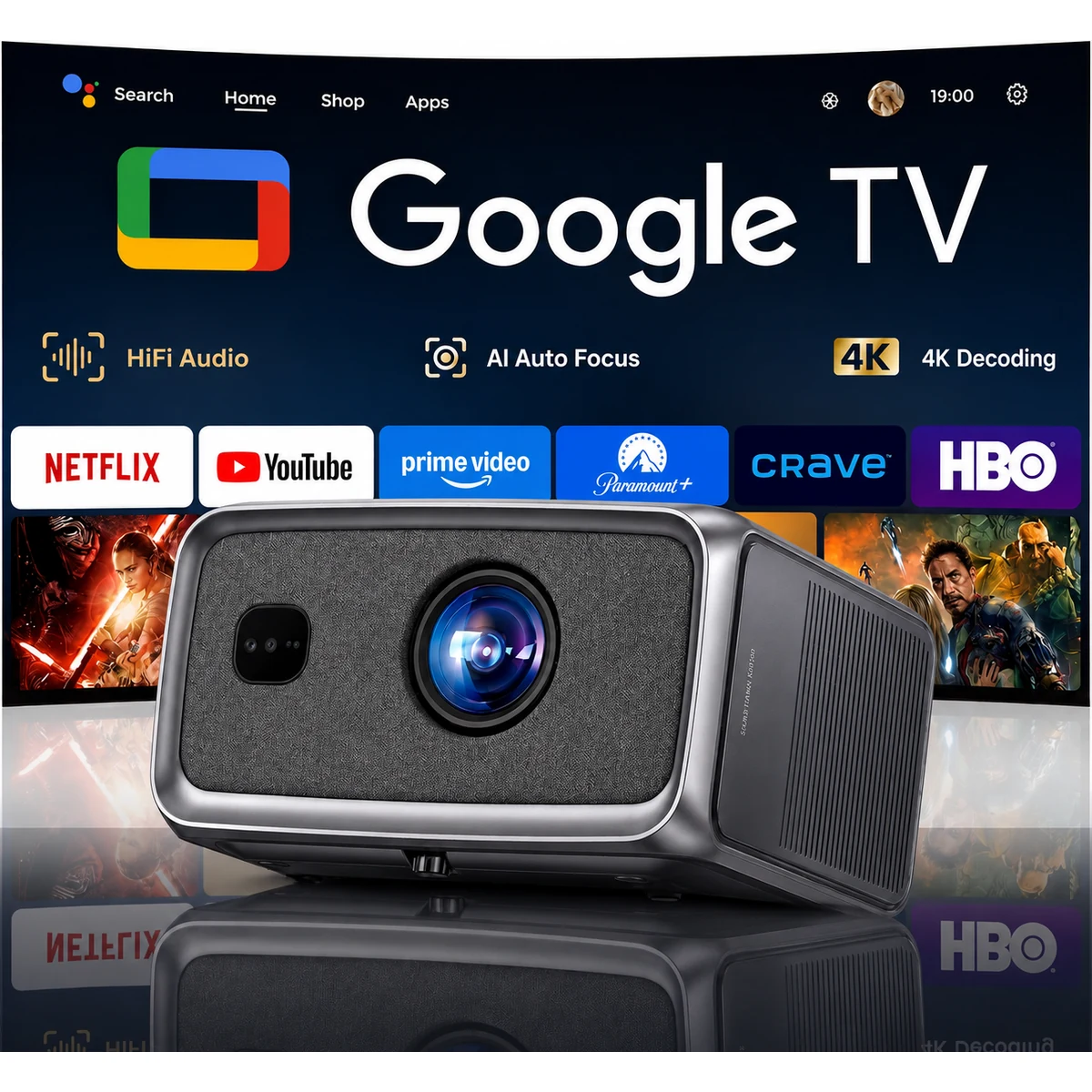
The S8A uses a Google TV interface. App availability, account requirements and licensing are controlled by each provider and can change.
Yes. Compatible devices can connect through HDMI. Use a direct wired connection for gaming or when wireless playback is inconsistent.
Yes. Compatible Bluetooth or wired audio devices can be used. Audio delay varies by wireless device, so test lip-sync with your actual setup.
Eligible direct orders include a projector screen, ceiling mount and red-and-blue 3D glasses while the offer is displayed.
Yes. We deliver to serviced addresses across Canada and the United States; Toronto is not a checkout restriction.
Test your real screen, throw distance, room light, HDMI sources, streaming accounts and audio before permanently mounting equipment. Keep all packaging while testing.
*Note
Specification note: Native resolution and supported input resolution are different measurements. Brightness figures shown as “lumens” are manufacturer ratings unless an ANSI or ISO measurement is explicitly stated. For daytime viewing, room-light control and the screen remain important.
1. The actual size varies based on configuration, manufacturing, and measurement method.
2. The actual weight varies based on configuration, manufacturing process, and measurement method.
3. For the optimal viewing quality, we recommend a projection size between 80'' and 150'' for the best balance of immersion and image clarity, with 100'' offering the best overall viewing experience. Projections beyond this range may reduce sharpness and brightness. Final display performance depends on product usage habits and environmental conditions.
4. The actual storage capacity is subject to change based on various factors, such as system usage, software version, and settings used.
5. Measured under an ambient temperature of 25°C with 1 meter distance from the machine. Results may vary based on different testing environments, conditions, and the product being evaluated.
6. The projection image must fully cover the screen's border edges to ensure proper detection. For best results, use a screen with black borders to improve recognition accuracy.
7. Due to environmental complexities, Obstacle Avoidance does not guarantee the avoidance of all obstacles.
8. This feature requires manual activation.
Taxes, shipping, and coupons calculated at checkout.
Please do not close or refresh this page.