Canadian projector buying guide
ANSI Lumens vs Lumens: How to Compare Projector Brightness
ANSI lumens and an unspecified “lumens” claim are not automatically comparable. Before choosing a projector, find the measurement method, the picture mode and the projected image size. A larger advertised number alone does not establish a brighter picture in your room.

What do the different brightness labels mean?
A lumen measures light output. The extra wording on a projector specification tells you more about where or how that output was assessed. Keep the complete label beside every number in your comparison.
| Label | What it tells you | What to check |
|---|---|---|
| ANSI lumens | Projected light output assessed using a defined screen measurement procedure. | Exact model, picture mode and documented test conditions. |
| ISO lumens | A claim tied to an ISO measurement standard. | The named standard and operating mode, rather than the abbreviation alone. |
| LED lumens | May describe perceived brightness associated with saturated colours. | A separately documented projected-output measurement. |
| Light-source lumens | Output at the light source, before losses through the imaging system. | How much light actually reaches the projected image. |
| “Lumens” with no method | The measurement basis is unclear from that label. | Written clarification from the manufacturer or seller. |
BenQ explains the distinction between projected output, light-source output and perceived LED brightness in its brightness measurement guide. These labels describe different things; they should not be silently swapped on a comparison sheet.
ANSI vs ISO lumens: what should you compare?
Look for a documented measurement method rather than trying to choose a winning acronym. ISO/IEC 21118:2020 covers information included in specification sheets for front-projection data projectors. A listing that names its standard gives you a more useful starting point than a bare brightness claim.
Next, compare like operating conditions: model, power mode, picture preset and any stated lens or zoom setting. A maximum-output specification and a measurement taken in a quieter economy mode answer different questions.
Do not apply a universal online conversion factor to an unexplained specification. If one seller provides only “LED lumens” and another provides a documented projected-output figure, ask the first seller for the equivalent test result. An unanswered field should remain “not documented,” rather than becoming a calculated number that looks authoritative.
White brightness does not describe the whole picture
White light output and colour light output can be reported separately. Epson identifies ISO 21118 for its white-light figures and IDMS 15.4 for its colour-light figures in its projector brightness guide. That distinction is useful when comparing a bright white presentation slide with films, games or photographs.
Ask which mode produces the quoted output and whether it is the mode you expect to watch. Brightness is only one part of the decision: a model still has to fit your screen, accept your sources and provide suitable image detail. A single number cannot grade all of those requirements.
Why the same projector looks dimmer on a bigger screen
Increasing image size spreads the available light over more area. For the same aspect ratio, screen area grows with the square of the diagonal. The table below is a geometry example, calculated for 16:9 images; it is not a measurement of any projector.
| Diagonal | Approximate width × height | Area | Relative illumination* |
|---|---|---|---|
| 100 inches | 221 × 125 cm | 2.76 m² | 100% |
| 120 inches | 266 × 149 cm | 3.97 m² | 69% |
| 150 inches | 332 × 187 cm | 6.20 m² | 44% |
*Assuming identical light output reaching the image, surface and distribution. Relative illumination = (100 ÷ new diagonal)². Actual results also depend on the projector, lens position, settings and screen.
For example, 120 inches is only 20% larger diagonally than 100 inches, but its area is 44% larger. That is why testing at your intended size is more useful than judging a small demonstration image. Use our screen measurement guide to check the physical fit before ordering a screen.
How much brightness do you need in your room?
There is no single lumen number that guarantees a satisfying picture in every Canadian living room. Epson's room guidance distinguishes a dark home theatre from rooms with windows. Your screen size and the light reaching it still matter; a room category is a starting point, not a performance promise.
Try this repeatable comparison when a demonstration is available:
- Match the viewing conditions. Use the time of day, curtains and lamps you expect for normal viewing.
- Set the intended image size. Record the diagonal so a smaller demonstration does not disguise a size mismatch.
- Choose your normal picture mode. Record the preset and power setting instead of relying on the default.
- Use familiar material. Include subtitles, a bright scene and a dark scene. Note which details you can comfortably see from your seat.
- Change one thing. Close the curtain or reduce the image size, then repeat the same scene. This helps separate a room problem from a model choice.
For a room you cannot darken, continue with our daytime projector guide. Avoid interpreting a retailer's night-time hero image as evidence of daytime performance.
A brightness checklist before you buy
Copy these fields into your notes for every model, including BOSS projectors. Record the seller's wording exactly. If a value is described as manufacturer-rated, retain that qualification.
- Exact model and current listing URL.
- Brightness value, complete unit label and named measurement standard.
- Picture preset and light-source power mode used for the claim.
- Intended image diagonal and available lens-to-screen distance.
- Room light during your actual viewing hours.
- Demonstration conditions, if a demonstration is offered.
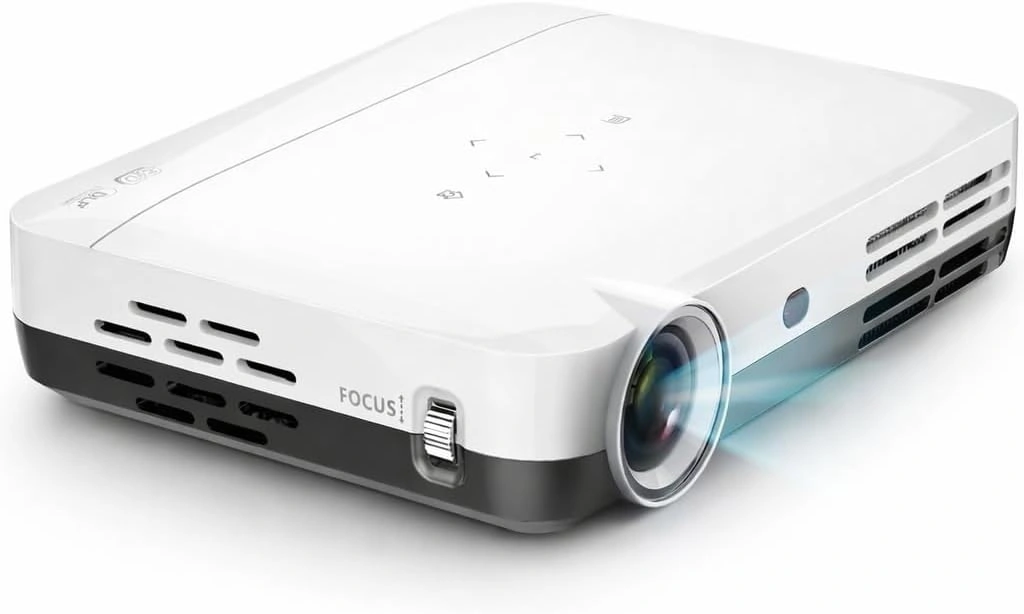
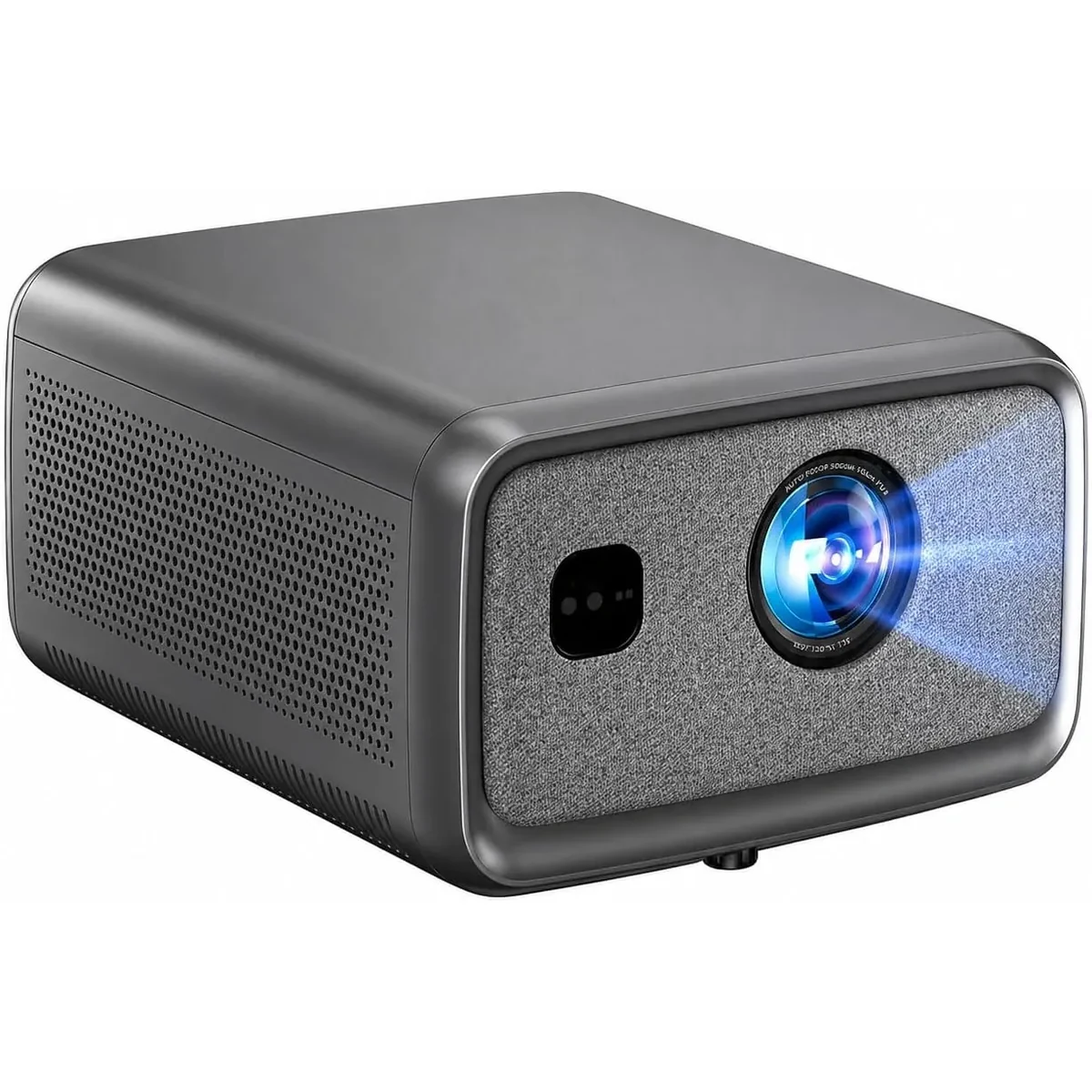
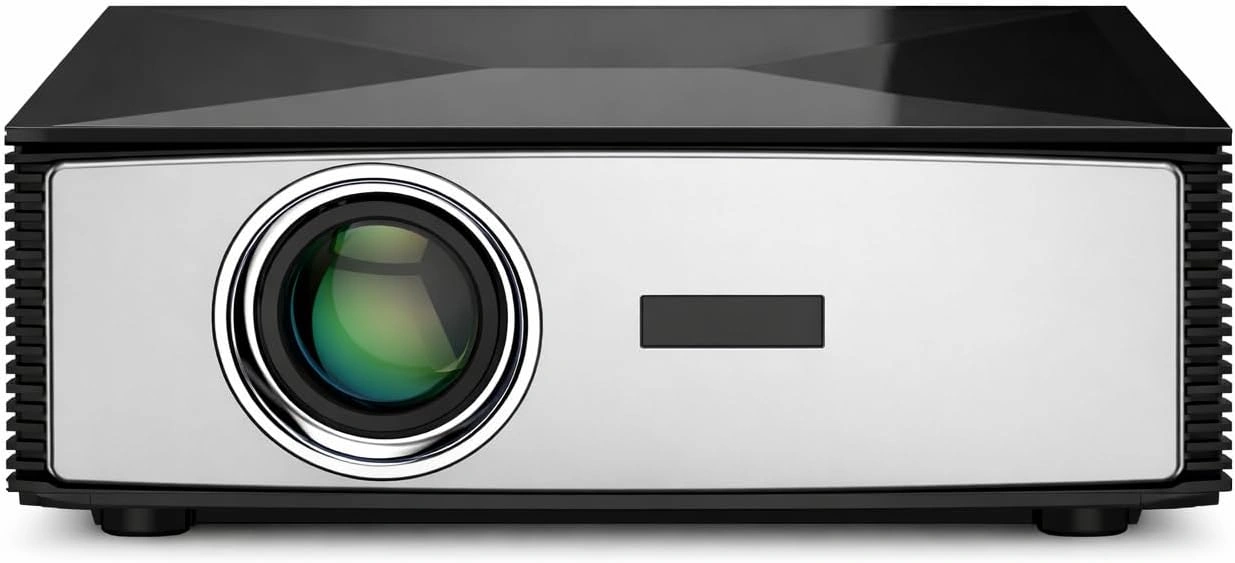
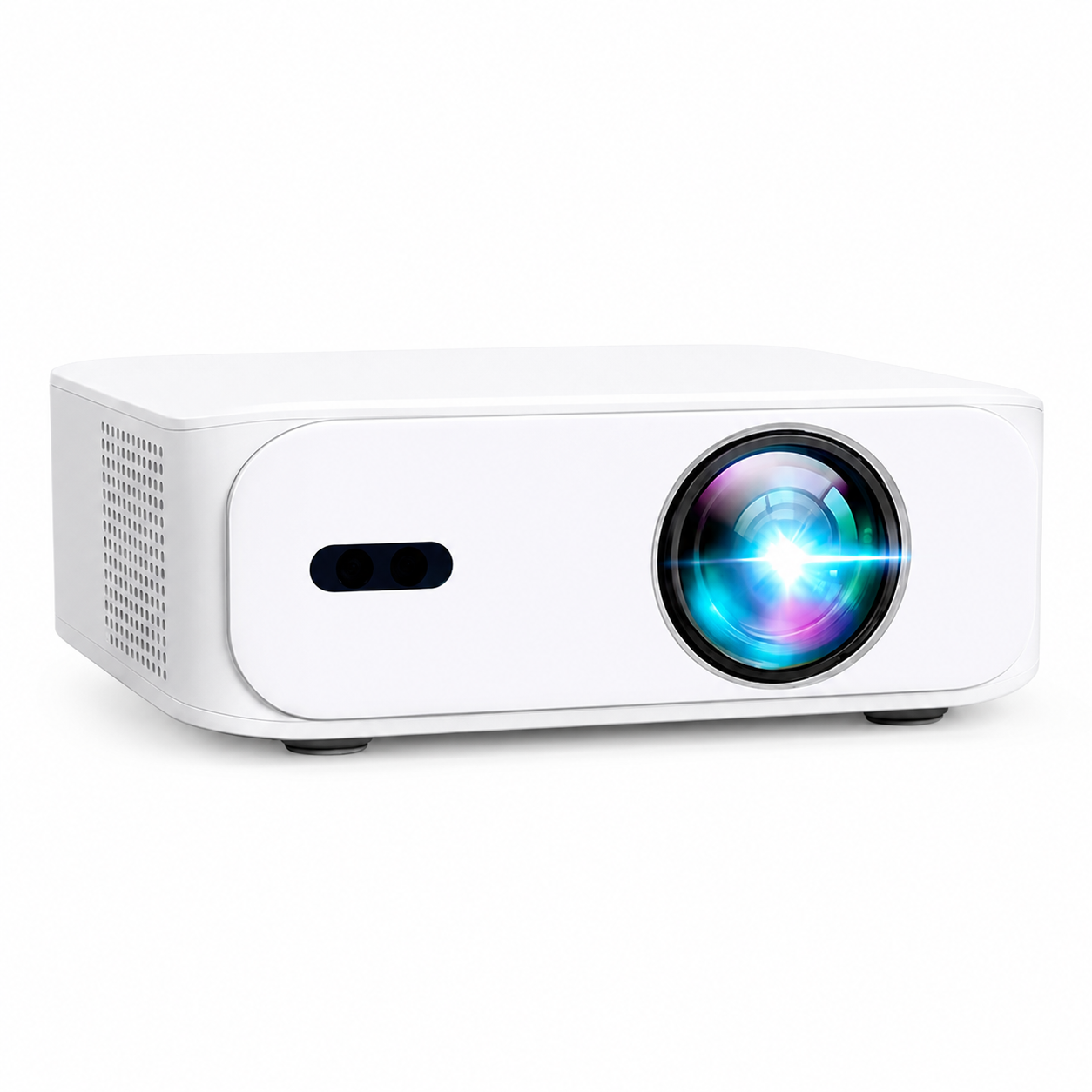
You can then compare the current BOSS Projectors models with a consistent set of questions. Ask for missing specifications before treating any two brightness numbers as equivalent.
Common brightness questions
Is 10,000 lumens always brighter than 1,000 ANSI lumens?
The figures alone do not establish that. First identify what the 10,000-lumen claim measures. An unspecified or light-source number cannot reliably rank projected output against a documented ANSI result.
Does an LED projector have to use LED lumens?
No. The light-source technology and the reporting method are separate choices. Look at the brightness label and supporting specification rather than inferring the method from “LED.”
Can a lumen number guarantee a good picture in sunlight?
No. Test the intended screen size in the actual light conditions. Light falling on the screen can make the image harder to see, even when a projector has a substantial output rating.
Current models and prices
Explore the current models
Review the key specifications and current prices. Open a model for the full details.