Canadian projector buying guide
One Room, Two Lives: An A5 Home Theatre That Packs Away
A home theatre does not have to occupy your home all week. For a Canadian apartment, rental or shared living room, a BOSS A5 projector setup can be planned around two equally important moments: starting the film and getting the room back afterwards. Choose a repeatable projector position, a picture that fits, and a storage place for every loose part before buying more accessories.

The room may be your office at nine, your dining space at six and your cinema after dinner. That makes a different question useful: not “How large can the picture get?” but “Will I actually enjoy setting this up again?” This guide develops a pack-away routine, with a worked room example and a worksheet you can copy. The examples are planning exercises, not measurements from an A5 performance test.
Start with the room you want back tomorrow
Imagine the morning after a film. The table should be usable, the doorway clear and the equipment somewhere it will not get knocked. Work backwards from that scene. Decide where the projector, power adapter, remote, screen and any source device will live when they are not being used. A setup without a storage plan can gradually turn into a permanent obstacle.
Choose one sturdy surface for viewing and one protected storage spot. They may be different places. A shelf can hold the projector while it is off without being suitable for operation: depth, cable access and ventilation still need checking. Follow the A5 manual for operating clearances and shutdown, and do not run it inside a closed cabinet or bag.
Keep the routine short by reducing repeated decisions. Use the same source, the same input and the same place for the remote. You do not need a promise of a five-minute transformation. You need a sequence that another person in your household can follow without moving half the furniture.
Where the BOSS A5 fits this idea
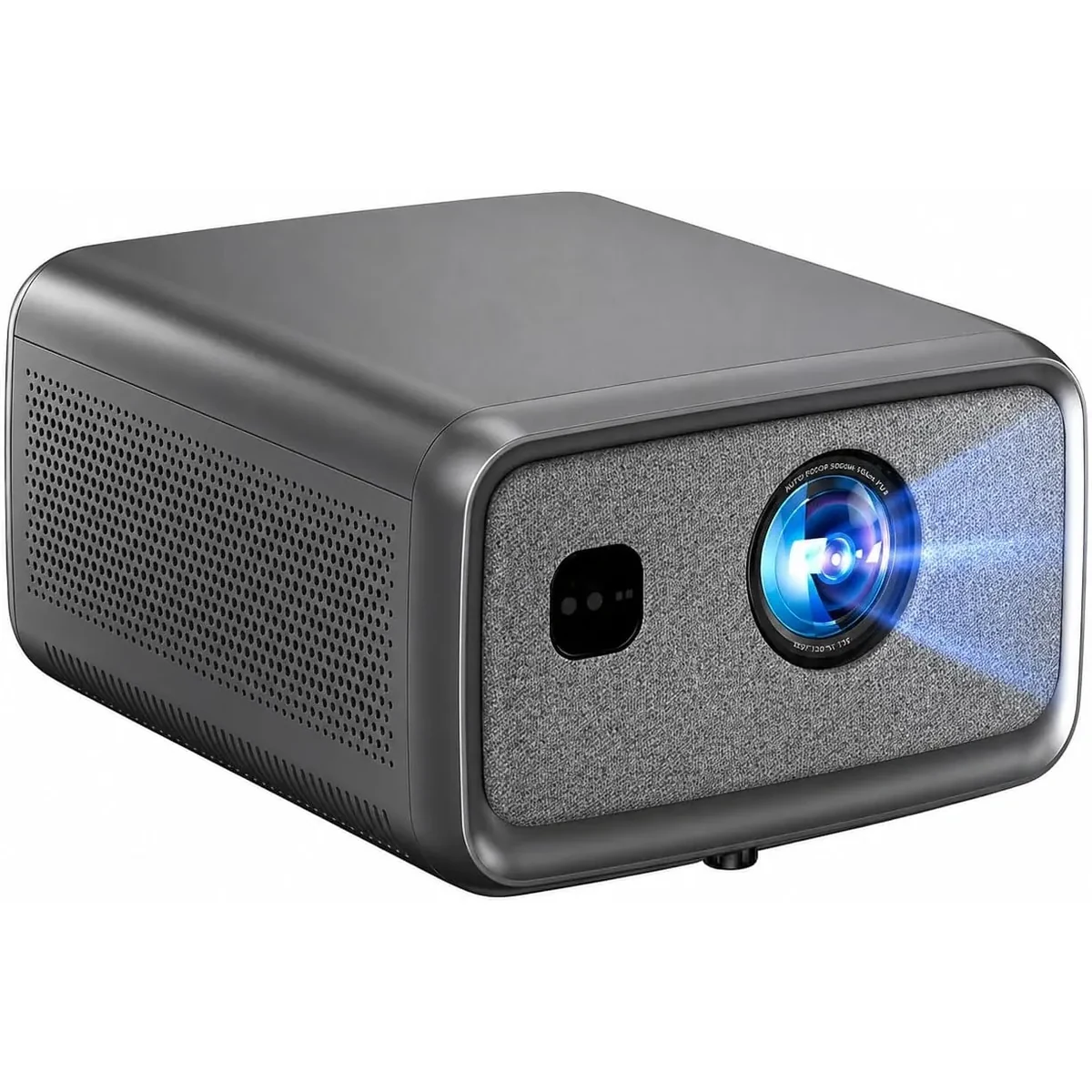
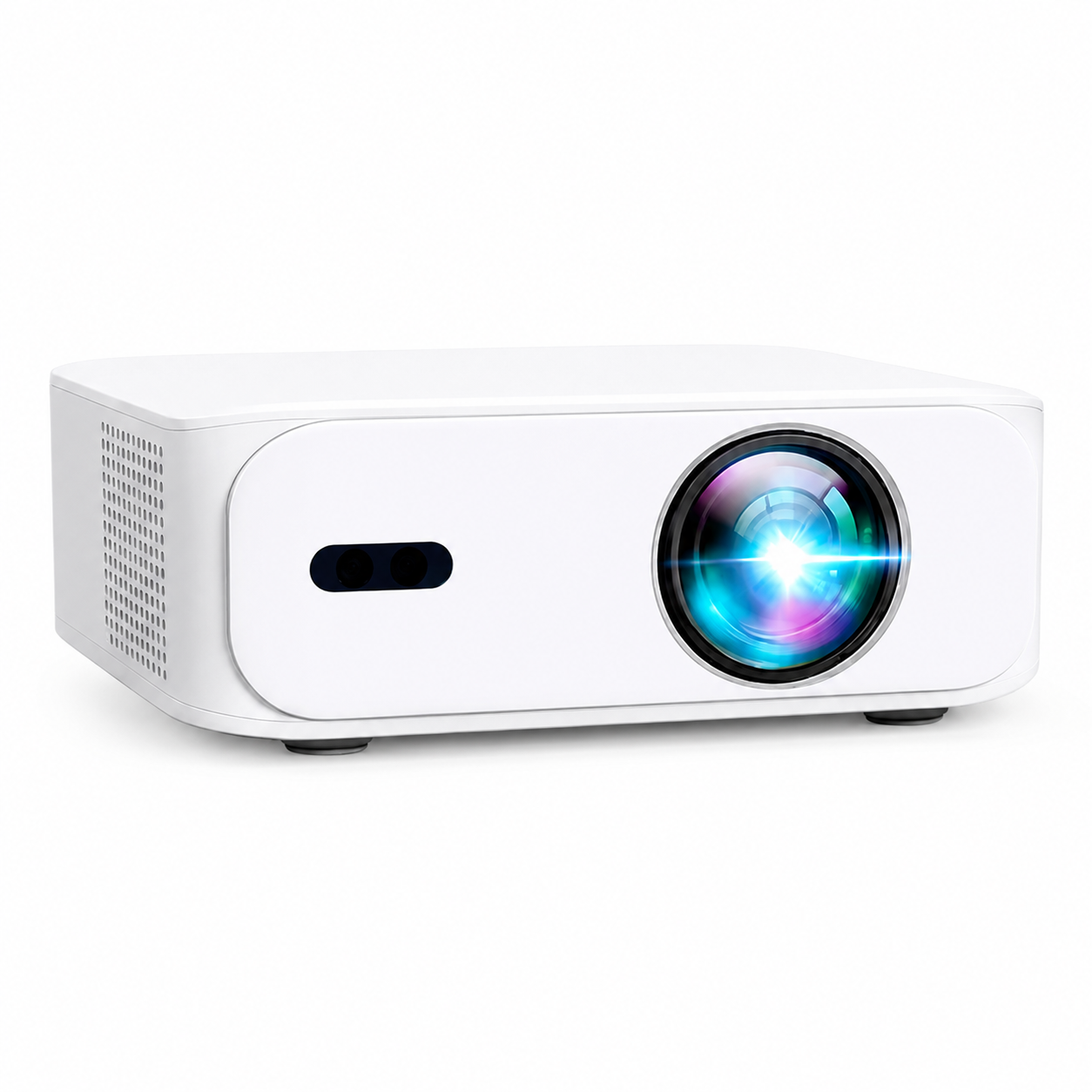
The Canadian BOSS A5 listing specifies native 1920 × 1080 resolution, autofocus, automatic keystone correction, HDMI, USB, dual-band Wi-Fi and Bluetooth. Those features make it a model to consider for a movable home-entertainment arrangement. They do not establish that it will fill any wall from any shelf.
You can also play compatible media from a USB flash drive (pendrive). For a pack-away setup, a drive with your home videos or other local media can keep the playback routine simple. Keep the tested drive with the remote and power adapter so the essentials stay together.
Before choosing a fixed furniture position, send support your intended image width and available lens-to-screen distance. Then judge the picture at your normal viewing time with the curtains and lamps you will actually use.
Keep price and bundle decisions tied to the current product page and checkout. A pictured screen or carrying bag is not evidence that it is included with your order. In Canada, compare your final CAD total, including applicable taxes and any separately needed equipment, with the budget for the whole setup.
Draw two versions of the same room
On one sheet, sketch the ordinary room. On another, draw movie mode. Mark the screen surface, lens position, seats, outlets and the route people take to the door. Open cupboard doors and extend any recliner before deciding that a gap is free. Your projector should have a secure position even when someone gets up halfway through the film.
Measure three things separately: usable picture width, distance from the lens to the picture surface, and distance from the main seat to the picture. The sofa-to-wall distance is not the throw distance if the projector sits on a table in front of the sofa. Also allow for the projector body and cable connectors behind the lens position.
Try to keep the projector centred and square to the surface. Epson's placement guidance illustrates the general principle of correcting physical placement first for image quality. Its model-specific measurements and controls do not apply to the A5. Automatic correction is useful, but it does not remove the need for a good starting position.
Think in picture width, not just diagonal
A diagonal sounds compact until you draw the rectangle. For a 16:9 image, width equals diagonal × 16 ÷ √337; height equals diagonal × 9 ÷ √337. The rounded values below describe the picture only. Add the actual frame, stand or screen housing separately.
| Diagonal | Picture width | Picture height |
|---|---|---|
| 80 inches | 177 cm / 69.7 in | 100 cm / 39.2 in |
| 90 inches | 199 cm / 78.4 in | 112 cm / 44.1 in |
| 100 inches | 221 cm / 87.2 in | 125 cm / 49.0 in |
Here is a hypothetical shared-room example. A wall has 210 cm of clear width. Reserving 10 cm on each side leaves 190 cm for the picture. An 80-inch image fits that width; a 90-inch image does not. The arithmetic eliminates one option before anyone orders a screen. It still does not prove that the A5 can produce the chosen size from the table: that needs a model-specific distance check or a physical trial.
Mark the proposed corners with a surface-safe method, sit down and look from every usual seat. Check that the bottom edge is not hidden behind a table or someone's head. If you need a broader size comparison, our condo screen measurement guide goes further into room dimensions.
Choose the screen by how it leaves the room
A smooth, pale, matte wall can be a useful starting surface for checking placement. Its texture and colour may affect the image. A separate screen can give you a more consistent surface, but introduces another object to store. Decide whether you can leave a screen in place, roll it away or dismantle it after viewing.
| Approach | Daily advantage | Check before choosing |
|---|---|---|
| Existing wall | No separate screen to pack | Texture, paint colour, picture position and wall obstructions |
| Freestanding screen | Can be removed without a ceiling installation | Footprint, stability, packed length and assembly effort |
| Installed retractable screen | Picture surface can disappear after use | Mounting suitability, housing dimensions and permission for any alterations |
For a rental, check the arrangements that apply to your home before drilling or using adhesives. Do not assume that “removable” means harmless on every finish. A freestanding arrangement may avoid a permanent alteration, but it still has to remain stable and leave walkways open.
Design for your actual evening
Test at the time you normally watch. A west-facing window can put light on the picture surface after dinner during long summer evenings; the same room may behave differently in winter. Close the curtains you already own before pricing a new screen. Keep enough light for comfortable movement and direct it away from the image where possible.
Use the same familiar scene when comparing arrangements. Check a dark passage, a face and a caption. Record the curtain position and lamp setting when you find a useful result. A smaller image may be a better compromise than a larger one that looks washed out. Our brightness measurement explainer helps distinguish published measurements from marketing labels.
Give movie mode one dependable source
Choose the service and playback device before your first planned film. Opening an app menu is not the same as successfully playing the title you want. Try the actual programme, subtitles and audio route. If you use a separate streaming player, keep its remote and suitable power adapter with the projector kit.
For USB viewing, place compatible video files on a pendrive, connect it to the A5 and open the projector's media player or file browser. Select a file and check playback, sound and any subtitles you intend to use. Local USB playback gives you a viewing option without Wi-Fi. If a file is not recognised, ask support about its format.
Netflix's projector help page describes using a Netflix-supported device connected to a projector when appropriate. An Android interface alone does not confirm Netflix certification. Check the exact service, device and connection rather than treating wireless mirroring as a universal solution.
Start with the simplest audio arrangement that lets everyone understand speech. If you add Bluetooth audio, watch a speaking face to check synchronisation. Check the same scene at your ordinary evening volume; turning everything up is not a substitute for a usable sound route. Keep a note of which device controls volume.
Make a setup-and-reset card
Copy this worksheet into a note or print it for the storage box. Fill it out after the first successful session. It records your room, so it is more useful than a generic distance recommendation.
- Picture: diagonal ___; width ___; bottom-edge height ___.
- Position: table or stand ___; lens-to-surface distance ___; reference photo saved ___.
- Light: curtain position ___; lamp setting ___; usual viewing time ___.
- Playback: source ___; projector input ___; title tested ___.
- Sound: output device ___; volume controlled by ___; dialogue checked ___.
- Storage: projector ___; cables ___; remote ___; screen ___.
For setup, place the equipment, connect power and source, select the input, check focus and framing, then test a short scene. For reset, use the documented shutdown process, allow the equipment to cool as instructed, disconnect carefully and return each item to its place. Remove batteries for longer storage if the remote's instructions call for it.
After three sessions, review the friction. If one cable is always missing, give it a dedicated pouch. If the table always ends up crooked, photograph the successful position. If putting away the screen is the step you avoid, reconsider the screen choice. Improve the step that fails repeatedly before purchasing a more complicated system.
Questions before you commit
Can I leave the A5 in its storage shelf while watching?
Only if the operating position meets the model's placement, ventilation and cable-clearance instructions. Storage suitability and operating suitability are separate checks.
Does autofocus remember the whole room setup?
Do not assume it does. Recheck framing, focus and the selected input whenever the projector moves. Your reference photo and worksheet help reproduce the physical arrangement.
Should I use the biggest screen the listing mentions?
Choose the size that fits your wall, verified throw distance, seats and lighting. A maximum listed diagonal is not a recommendation for every room.
A successful pack-away home theatre earns its place by being enjoyable to use and easy to clear. Explore the BOSS A5, compare the current projectors, or send your room measurements for setup advice. Check the current return and warranty terms before buying.
Current models and prices
Explore the current models
Review the key specifications and current prices. Open a model for the full details.