Canadian projector buying guide
Which is better, a 4K or Full HD projector?
This question comes up every time someone shops for a projector in Canada. 4K sounds tempting. Full HD sounds practical. The truth sits in how you watch, where you watch, and what you expect on screen. I’ll break this down in plain terms, without hype, so you can choose with confidence and avoid buyer’s regret.

The short answer upfront
A 4K UHD image can show more detail than Full HD when the source, image size and viewing distance make the extra pixels visible. Resolution alone does not determine brightness, contrast, input lag or light-source life. Compare those specifications separately.
What Full HD really means in daily use
Full HD means 1920 x 1080 pixels.
That’s enough detail for movies, shows, sports, and casual gaming. On screens up to around 100 to 120 inches, Full HD can look sharp, especially if you sit a little farther back.
For bedrooms, apartments and home offices, Full HD can be a practical choice. Streaming bandwidth depends on the selected stream quality and service; a projector’s native resolution does not change the quality of your Wi-Fi connection.
Where Full HD starts to struggle
Problems show up when the screen grows.
As image size increases, pixels stretch. Text softens. Fine details blur. Once you pass certain screen sizes, the image loses that crisp edge.
That’s when people say, “Something feels off,” even if they can’t explain why.
What 4K changes immediately
4K means 3840 x 2160 pixels.
That’s four times the detail of Full HD. The difference shows most on large screens. Text stays sharp. Faces hold detail. Game environments feel deeper.
Whether extra detail is visible depends on screen size, seating distance, eyesight, lens focus and the source. Compare from your intended seat instead of assuming everyone will see the same difference.
Screen size decides everything
This is the real decision point.
There is no universal screen-size cutoff. A larger image or closer seat can make extra detail easier to see, but focus, content and room conditions still matter.
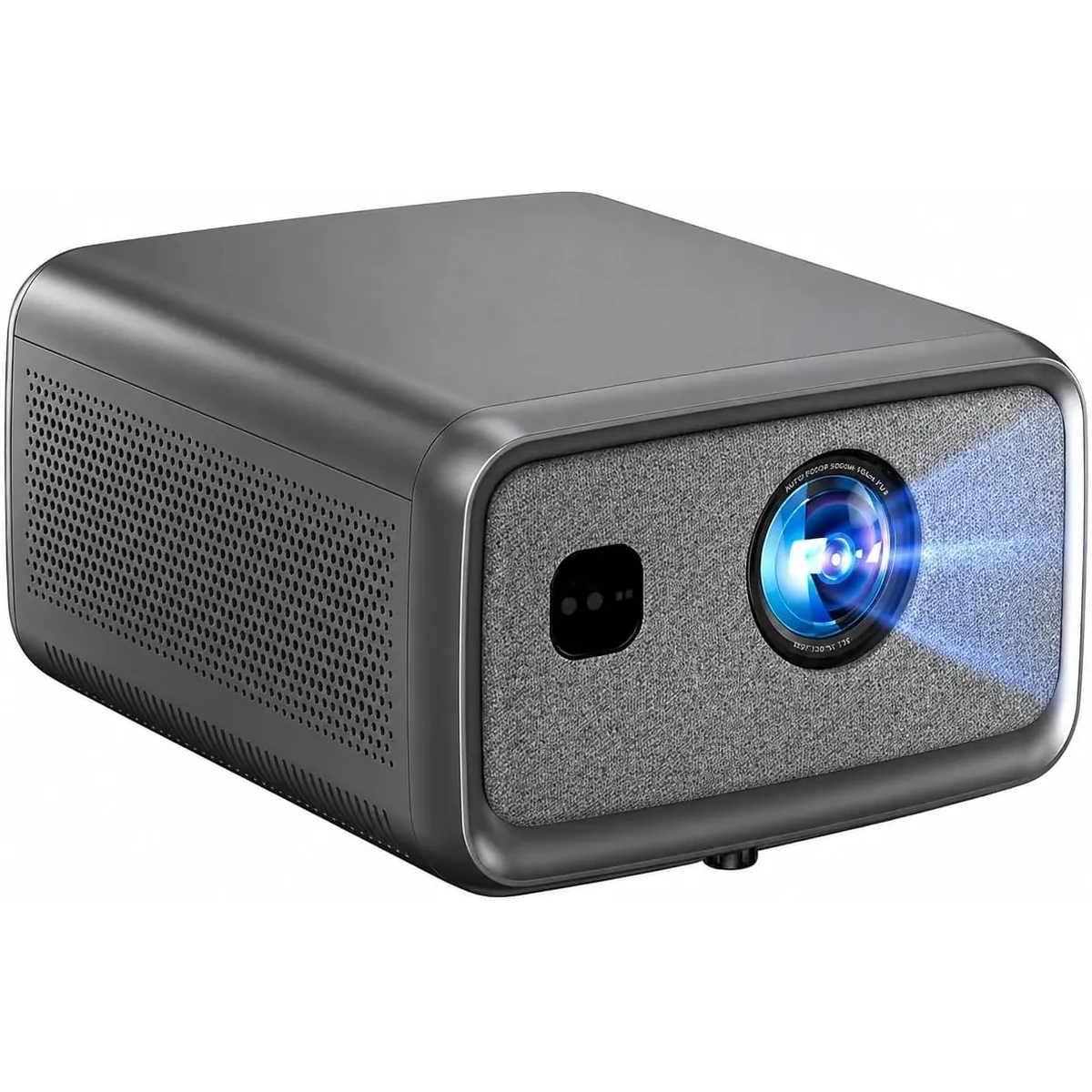
The S7 provides 4K UHD output. The S8A displays native Full HD and accepts compatible 4K input. Confirm each model’s throw and image-size guidance before planning a large screen.
Brightness works with resolution, not against it
Resolution alone doesn’t save a dim image.
Brightness and ambient light affect how clearly you can see the picture. Extra pixels do not stop light falling on the screen from reducing contrast. Compare like-for-like standardized brightness measurements and control direct light.
The S7 provides 4K UHD output. Its listed lumen figure is a manufacturer rating, not an independently measured ANSI result; judge room suitability separately from resolution.
Gaming tells the truth fast
Gaming exposes weaknesses instantly.
In fast scenes, lower resolution softens edges. HUD text can blur. Distant objects lose clarity.
Full HD and 4K can both suit gaming. For competitive games, verify measured input lag and supported refresh rate at your chosen resolution. A 4K label alone does not establish responsiveness.
Lower input lag matters too, but resolution affects how clearly you read the action.
Streaming quality and internet reality
Most streaming platforms offer both Full HD and 4K.
If your internet struggles, Full HD streams more smoothly. 4K demands stable bandwidth.
Boss projectors handle both well, but your connection still matters. That’s something buyers often overlook.
BOSS S7: compare 4K UHD output separately from other features
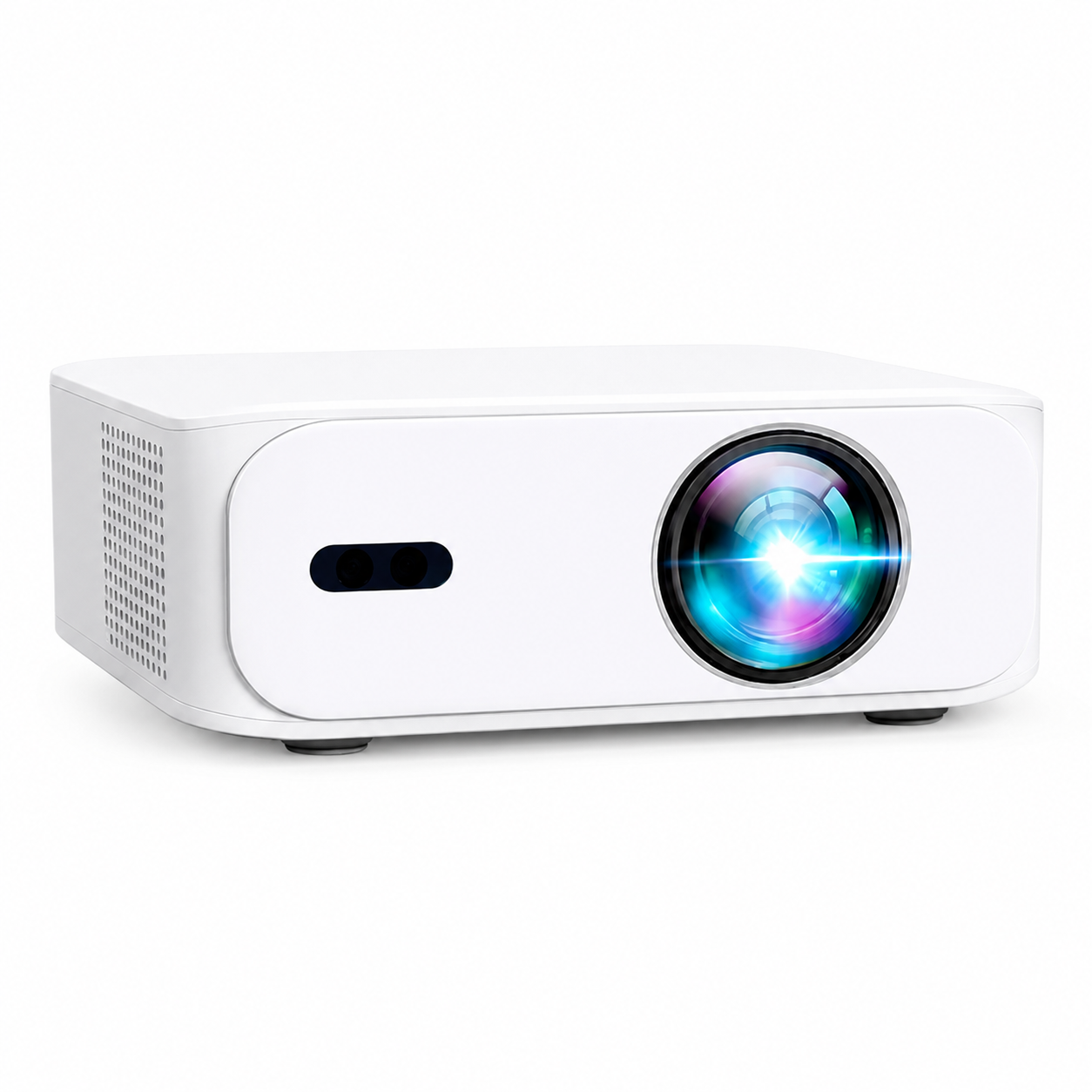
The S7 provides 4K UHD output and a built-in Android interface. App availability and licensing vary; a compatible HDMI source remains an option. These features do not establish a measured latency result or a longer service life.
This model fits buyers who want a projector that still feels current years from now.
You can see it here
BOSS S8A Native 1080p Smart Projector with compatible 4K input balances quality and flexibility
The S8A displays native 1920 × 1080 Full HD and accepts compatible 4K input. Its Google TV interface and automatic focus and keystone controls are separate features; check the app and source requirements for your setup.
This model works well for users who move between rooms or outdoor setups.
Product link
BOSS A5 Full HD Portable Smart Projector still makes sense
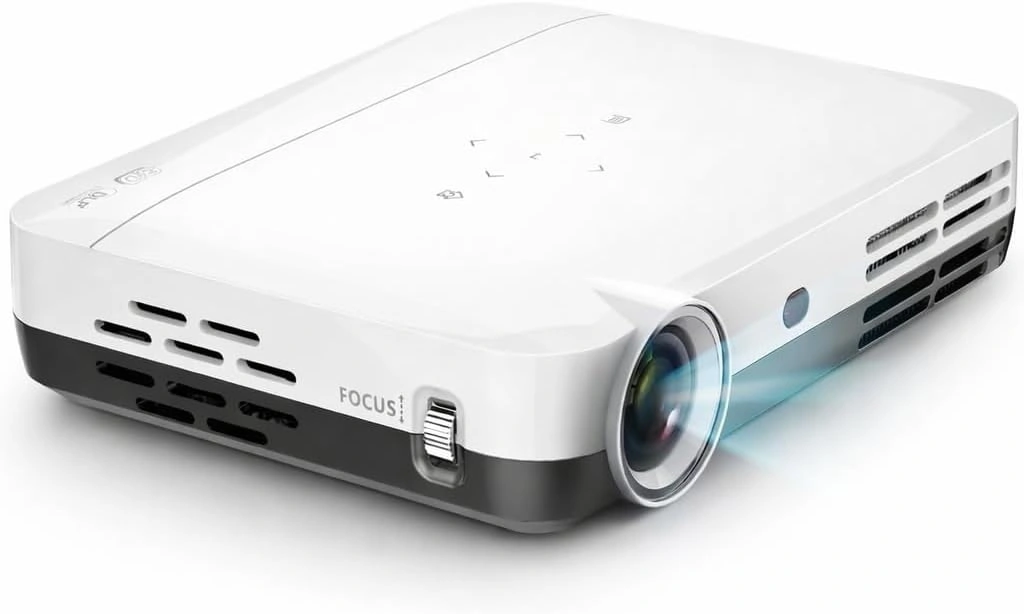
The Boss A5 proves Full HD still has a place. It delivers clear 1080p visuals, solid brightness, and smart features for everyday viewing. In smaller rooms, the image looks clean and comfortable.
It’s a practical choice when space and budget matter more than extreme screen size.
View it here
Longevity matters more than specs
Projectors aren’t phones. People keep them for years.
Choose resolution for the content and image size you expect to use. Buying 4K does not guarantee future app support or eliminate the possibility of replacing hardware later.
Light-source life, repair options, software support and warranty coverage are separate from native resolution. Check the exact model and current terms.
Frequently Asked Questions
Is 4K always better than Full HD?
No. For small rooms and moderate screen sizes, Full HD still looks good. The advantage of 4K grows with screen size.
Can I watch Full HD content on a 4K projector?
A compatible 4K projector can display Full HD input by scaling it. Scaling does not restore fine detail that was absent from the original source.
Does 4K increase input lag?
Not by default. Input lag depends on processing, not resolution alone.
Is Full HD becoming outdated?
No. It’s still widely used. But 4K offers more headroom for future content and larger screens.
Which Boss projector should I choose if I’m unsure?
Compare the S7 when 4K UHD output is a priority; compare the Full HD models when their price, size and features better fit your room. No single model is the best choice for every setup.
Conclusion
Full HD and 4K both work. Resolution differences are most useful to assess at your intended screen size and seat, while brightness, contrast and room light require separate checks.
Compare the A5 and S6A for Full HD setups, the S7 for 4K UHD output, and the S8A for native Full HD with compatible 4K input and its listed smart features. Check dimensions and weight rather than inferring portability from model order.
Choose based on how you watch, not just what sounds better.
For an example of specifications listed separately, see Epson’s model-specific resolution and brightness table. Those values describe the Epson models, not the BOSS Projectors range.
Current models and prices
Explore the current models
Review the key specifications and current prices. Open a model for the full details.