Canadian projector buying guide
What Projector Should I Buy? A Clear Canada Buying Guide
The right projector is the one that fits your room, source devices and viewing habits. Plan around your screen size, room light and favourite devices to create a setup you will enjoy every day. Measure first, then compare the verified specifications and current offer on each product page.

Start with the room, not the model name
Measure the distance from the projector lens to the screen and the maximum usable image width. Note where power, HDMI cables, speakers and people will be. A compact bedroom, a Toronto condo and a dedicated basement theatre create different placement problems even when the desired image size is the same.
Light at the screen is equally important. Direct sunlight will wash out a portable home projector. Blinds, curtains, a smaller image and a suitable screen can improve contrast substantially. For backyard viewing, wait until after sunset and keep the projector protected from rain, moisture and unstable surfaces.
Understand output resolution and 4K input support
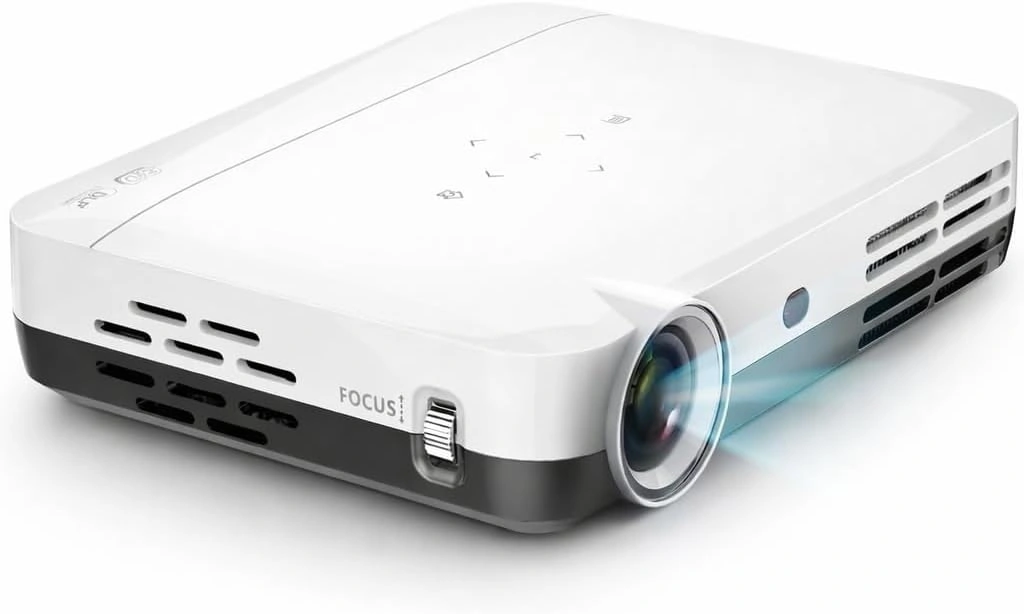
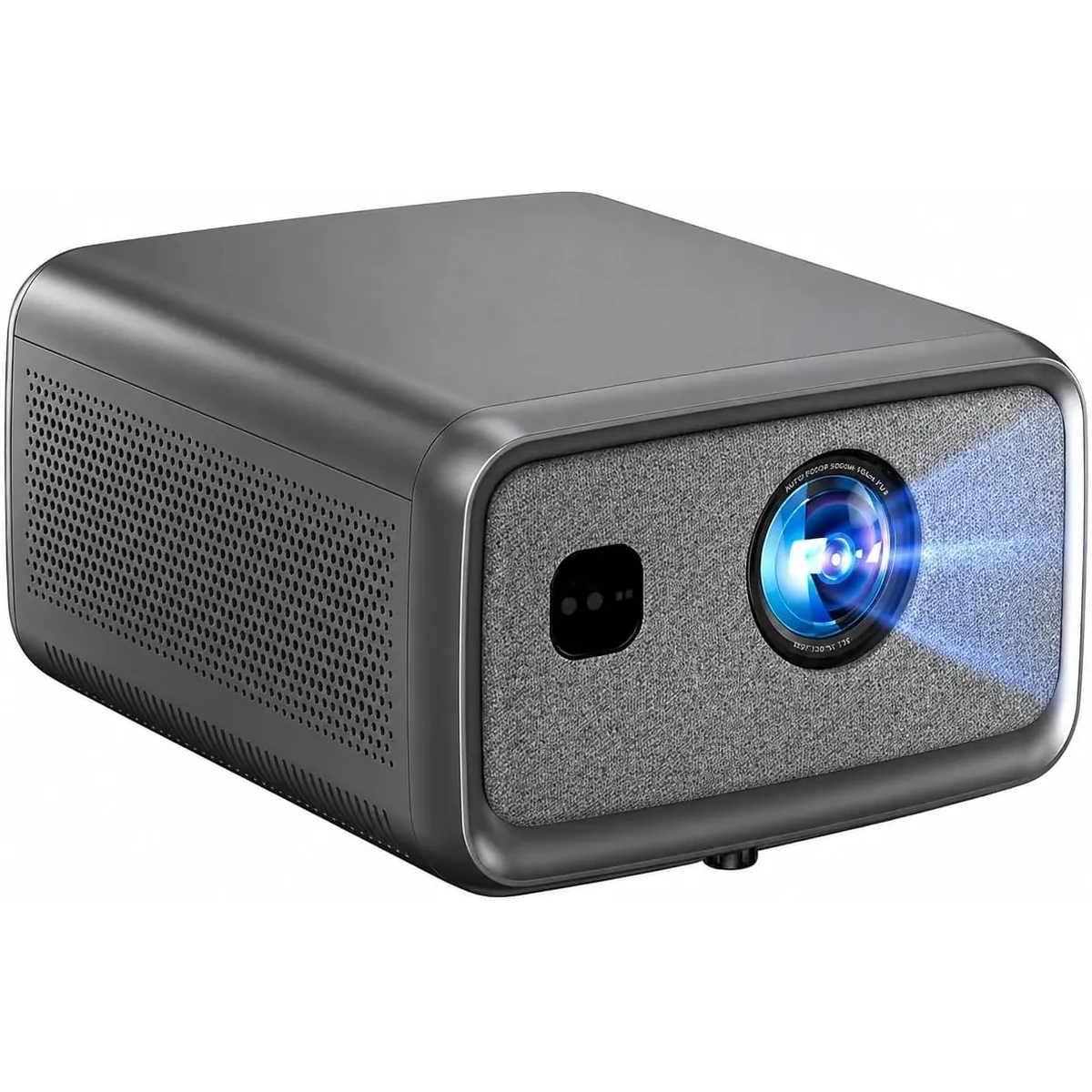
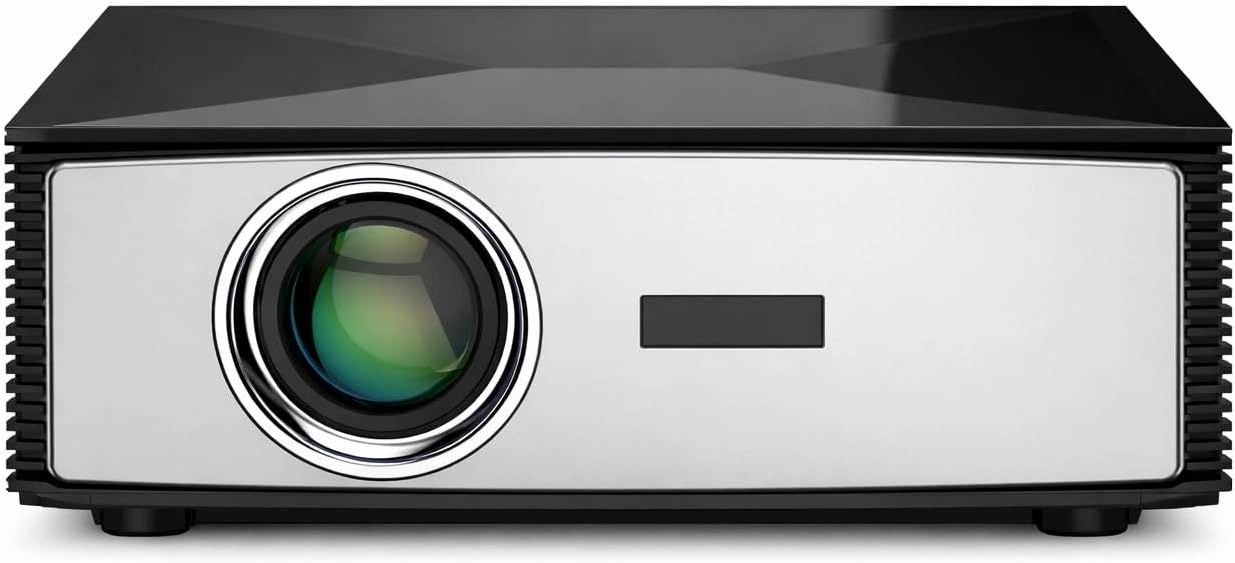
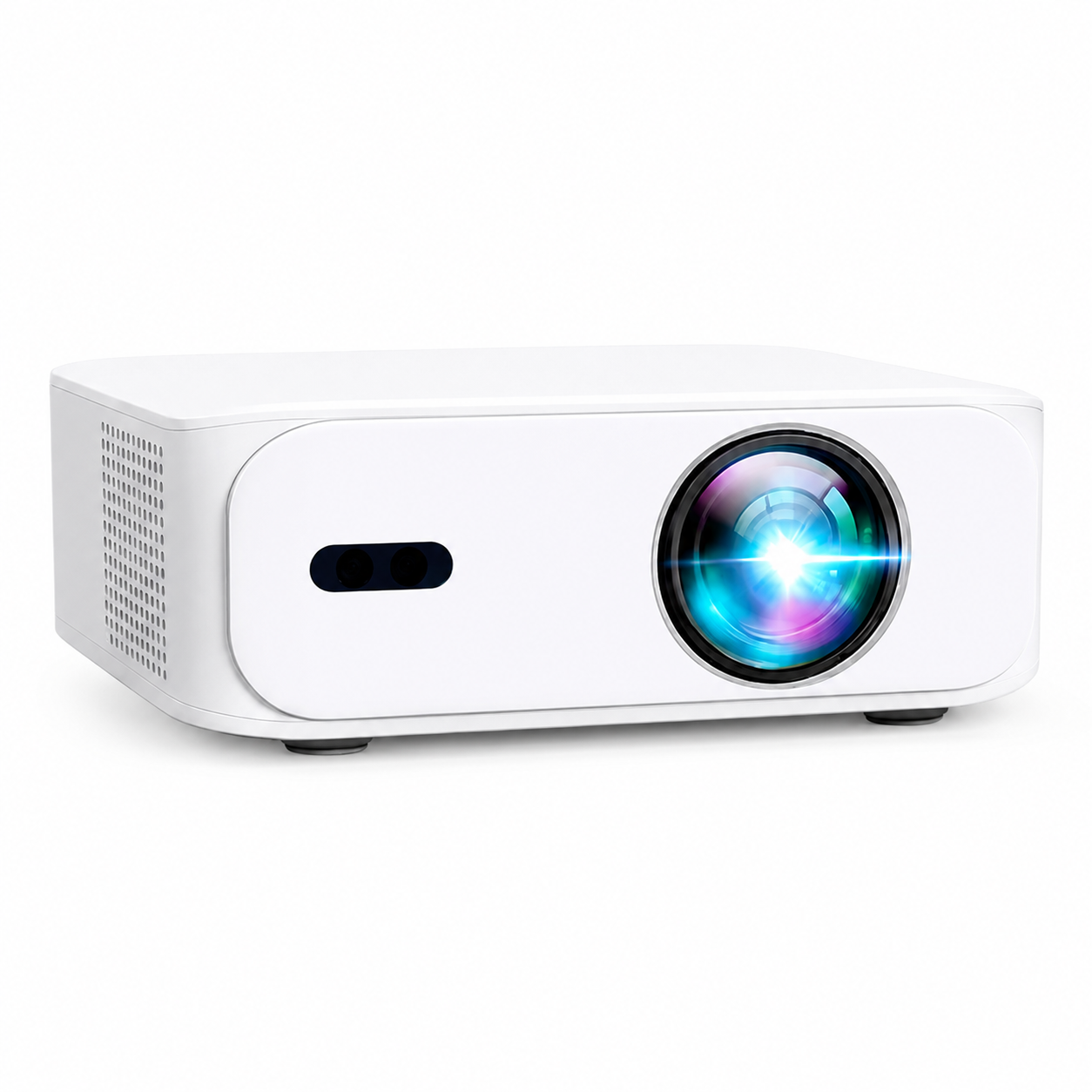
Output resolution describes the pixels used to form the projected image. Input support describes the video signal a projector can accept. The BOSS S7 outputs 3840 × 2160 (4K UHD) using a 0.39-inch DMD and DLP/LED hybrid technology. The BOSS S8A outputs 1920 × 1080 Full HD and accepts compatible 4K input. Check the model-specific specification instead of assuming every product bearing “4K” uses the same display architecture.
Full HD can provide a detailed image when the source, focus, screen surface and viewing distance are appropriate. Avoid choosing from the word 4K alone. Product pages should state both native display resolution and accepted input support so you can compare like with like.
Compare the current BOSS projector range
The BOSS A5 is a compact native 1080p option for bedrooms, apartments and flexible setups. The BOSS S6A is a native 1080p smart home-cinema model with wireless connectivity and automatic image controls. Both are useful starting points for buyers who want Full HD and a lower direct-store price.
The BOSS S7 is a 3840 × 2160 (4K UHD) DLP/LED hybrid projector with a 0.39-inch DMD, a smart Android interface and 3D support. Eligible direct S7 orders include a screen, ceiling mount and active-shutter 3D glasses while that offer is displayed. The BOSS S8A is a native 1080p model with compatible 4K input support and uses a Google TV interface. Eligible direct S8A orders include a screen, ceiling mount and red-and-blue 3D glasses while displayed.
The current product pages are the source for administrator-controlled price, stock and included accessories. Marketplace price, stock, reviews and bundles can differ from the direct website.
Choose connections for the devices you already own
For a PlayStation, Xbox, laptop, cable box or streaming stick, HDMI is normally the most dependable connection. Wireless casting can be convenient, but compatibility varies by phone, app and content licence. A certified HDMI streaming device is a useful fallback when a built-in app is unavailable.
Bluetooth can connect compatible speakers or headphones, although wireless audio delay varies. If lip-sync or gaming response matters, test a wired or HDMI audio route. Wi-Fi speed does not determine projector display latency, so gamers should test the real console, cable and picture mode.
Treat brightness claims carefully
Brightness figures shown only as lumens may be manufacturer ratings. They should not be compared directly with ANSI or ISO measurements unless the method is explicitly stated. Room light, image size, picture mode and screen surface all change the result you see. No portable home projector in this range should be selected on the assumption that it will overpower direct sunlight.
Plan focus, keystone and mounting
Automatic focus and keystone controls can make setup easier on supported models, but physical placement still matters. Put the projector level and square to the screen when possible. Heavy digital keystone correction can reduce the usable image area and fine detail.
If ceiling mounting, confirm the mounting points, safe anchors, ventilation clearance and cable route before drilling. Keep the packaging while testing the projector in the actual room. Permanent installation should wait until the screen size, sources, focus and audio have all been checked.
Compare bundles, reviews and seller terms
Direct A5, S6A and S8A offers include a screen, ceiling mount and red-and-blue 3D glasses when stated on their live pages. The direct S7 offer uses active-shutter 3D glasses. Amazon, Best Buy and Walmart listings can have different sellers, accessories, prices, delivery promises and return terms.
Use reviews as evidence, not as a substitute for room measurements. Check that a review belongs to the same model and seller. CanadaProjector.com links to independent Google and marketplace sources without combining them into an invented website score.
A short decision checklist
- Choose A5 or S6A when native Full HD, compact placement and price are the priorities.
- Compare S7 when native 4K UHD output and active-shutter 3D are important.
- Compare S8A when compatible 4K input and a Google TV interface suit your setup.
- Use HDMI for the most predictable console, laptop and streaming-device connection.
- Control room light and start with a moderate image size before enlarging it.
- Confirm the live price, stock, bundle, delivery destination and return terms before paying.
Customers across Canada can order through the direct checkout. GTA customers can request a free on-site demonstration by appointment. For buying help, send support your city, room dimensions, lens-to-screen distance, ambient-light conditions and primary source devices. Those facts allow a useful recommendation instead of a generic sales answer.
Current models and prices
Explore the current models
Review the key specifications and current prices. Open a model for the full details.