Canadian projector buying guide
Toronto Condo Projector Setup: Room Size, Screen and Daylight Guide
A projector can work well in a Toronto condo, but the room has to lead the decision. Floor-to-ceiling windows, short lens-to-wall distance, limited storage and neighbours on the other side of a wall all matter more than a headline specification. A useful plan starts with measurements, light control and source devices before it reaches model selection.

This guide focuses on the setup questions that are specific to compact urban rooms. The Toronto projector catalogue remains the source for current price, stock and direct-order bundle information.
Take three measurements before choosing a projector
First, measure from the planned projector lens position to the screen wall. This is the throw distance; measuring from the sofa gives the wrong number. Next, measure the clear wall width after accounting for speakers, shelves, thermostats, doors and artwork. Finally, measure the viewing distance from the main seat to the screen.
Record the numbers in centimetres or inches and take a straight-on photo of the wall. A product can support a large theoretical image and still be a poor fit if the lens cannot sit far enough back, the image crosses a doorway or the only table position blocks a walking path.
- Lens-to-screen distance determines whether the desired image can fit.
- Clear wall width sets the practical maximum screen size.
- Viewing distance helps prevent an image from feeling uncomfortably large.
- Projector height affects how much digital keystone correction is needed.
- Outlet and HDMI locations determine whether cables can be routed safely.
Translate diagonal screen size into actual wall width
Projector screens are normally advertised by diagonal size. For a 16:9 image, an 80-inch diagonal is about 70 inches wide, a 100-inch diagonal is about 87 inches wide and a 120-inch diagonal is about 105 inches wide. Allow extra clearance around the image for the screen frame, curtains, speakers and imperfect placement.
In many condo living rooms, beginning around 80 to 100 inches is more practical than immediately targeting the largest possible picture. A smaller image is easier to focus, places less pressure on room brightness and can leave space for audio equipment. Test the image on the wall before drilling for a fixed screen or mount.
Treat Toronto window light as a screen-planning problem
Direct daylight on the projected surface reduces contrast. No portable home projector should be selected on the assumption that it will overpower direct sun from a condo window. Check the room at the same time of day you expect to watch, because a west-facing wall can behave very differently in the afternoon than in the evening.
Blackout curtains provide the most control, but ordinary blinds, side panels and a screen wall that does not face direct sun can also help. Keep lamps away from the screen, use a moderate image size and avoid glossy wall paint that creates hot spots. If daytime viewing is essential, describe the window direction and light conditions when asking for a recommendation.
Brightness figures also need context. A manufacturer lumen rating is not interchangeable with an independently measured ANSI or ISO result. Compare measurement methods, not just the largest number printed on a listing.
Choose a placement that works without excessive correction
Automatic focus and keystone tools can simplify temporary setup, but a level, centred projector preserves more usable image area and detail. Put the lens as square to the screen as the room allows, then use digital correction for small adjustments rather than as a substitute for physical alignment.
A low media console or stable side table is useful when the projector will be packed away. A shelf can free floor space, but it needs ventilation clearance and a secure cable route. Before ceiling mounting, check the lease, condominium rules, ceiling construction, mounting pattern and safe load. Use appropriate anchors and a qualified installer when the structure is uncertain.
Never place a projector on a soft sofa, bed or carpet where ventilation can be blocked. Keep power cables out of walking paths and avoid routing them under rugs where damage can go unnoticed.
Plan sound and source connections at the same time
Built-in speakers are convenient for a quick setup, but dialogue clarity and bass can improve with a compatible soundbar or speaker. Bluetooth is flexible, although wireless audio can introduce delay. If lip-sync or gaming response matters, test the actual content and consider a wired or HDMI audio route.
HDMI is normally the most predictable connection for a game console, laptop, cable box or certified streaming device. Wireless casting depends on the phone, app, network and content licence, so it should not be the only plan for a service you use every day. Leave access to the projector ports and avoid sharp cable bends behind a shelf.
For late-night viewing, keep speaker volume and subwoofer placement considerate of adjacent units. Headphones can be practical when the projector and source support the required connection, but Bluetooth delay still varies by device.
Match the current BOSS Projectors models to the room
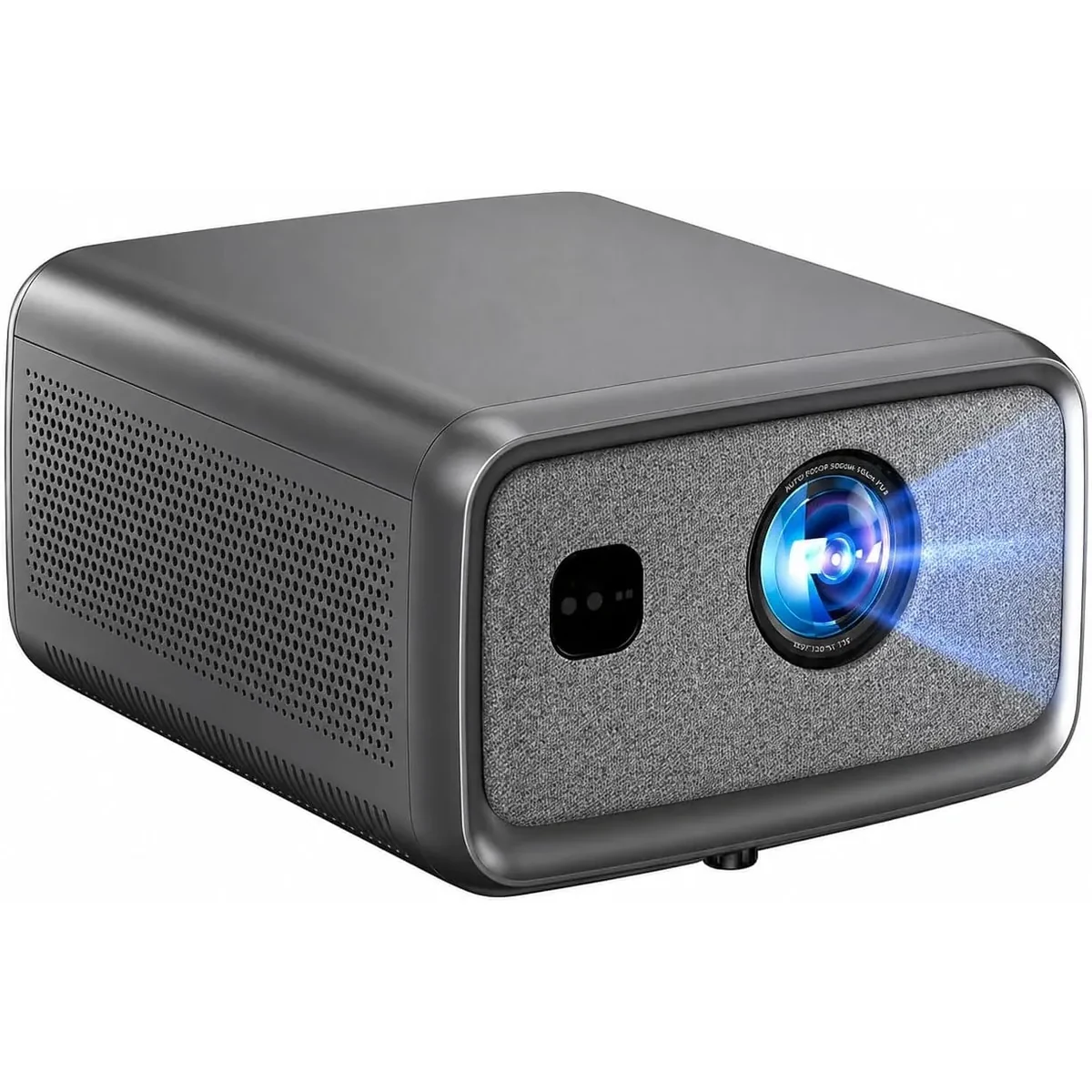
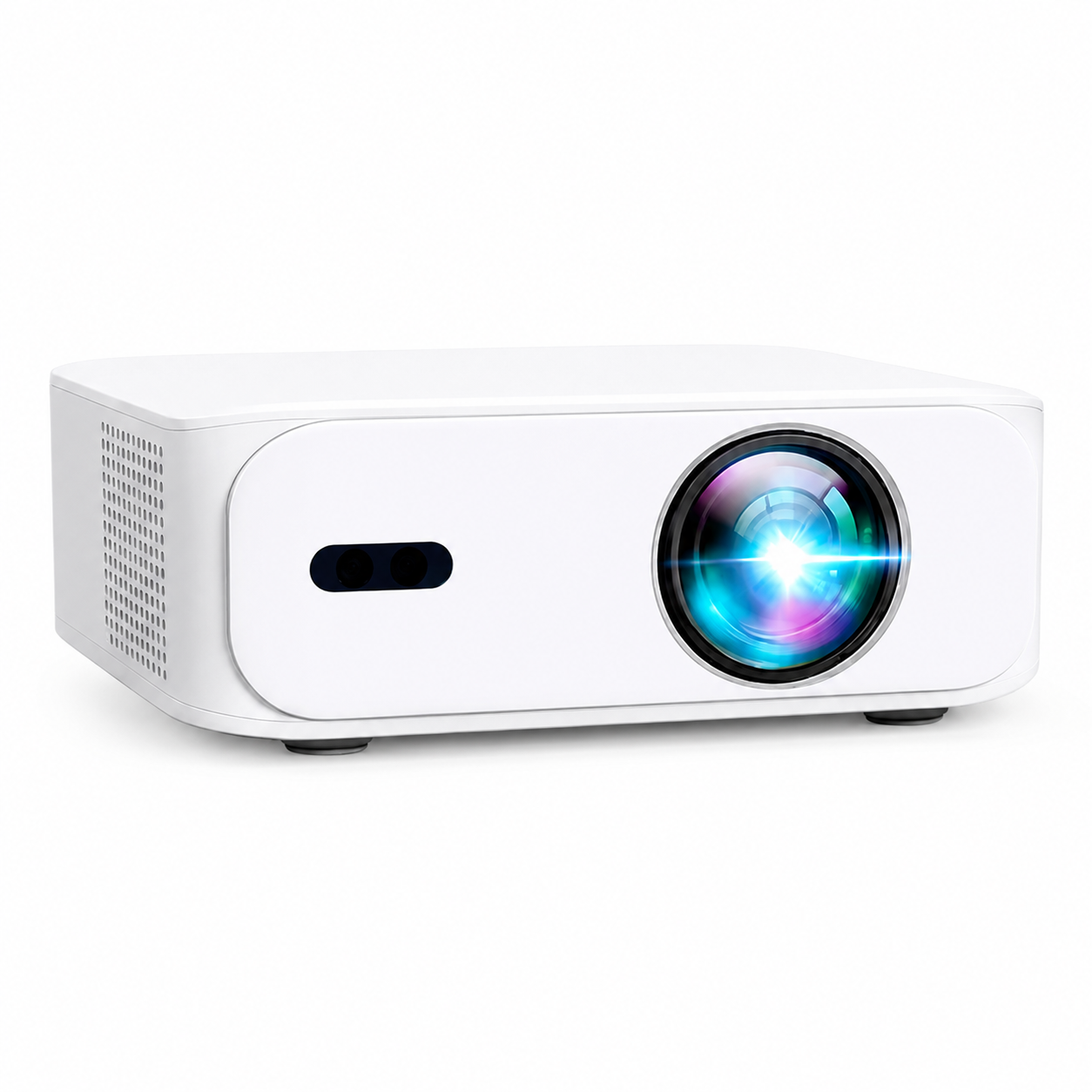
The BOSS A5 is the compact native 1080p option to compare for bedrooms, condos and temporary setups. Its current specification lists AI-assisted autofocus, automatic keystone correction, Wi-Fi, Bluetooth and an Android 11 interface. The BOSS S6A is another native 1080p model with automatic image controls and a larger home-cinema positioning.
The BOSS S7 is the model to compare when 3840 × 2160 4K UHD output and active-shutter 3D are priorities. It uses digital focus adjustment by remote and automatic keystone correction; it should not be described as an autofocus model. The BOSS S8A has a native 1920 × 1080 Full HD display, accepts compatible 4K input and uses a Google TV interface.
Choose from the room and source requirements rather than the model order. Confirm the live product page for price, stock, included accessories and current software information before paying, because marketplace offers can differ from direct orders.
Use a GTA demonstration to answer room-specific questions
Free on-site demonstrations can be requested by appointment in eligible Greater Toronto Area locations. A useful request includes the city, lens-to-screen distance, clear wall width, window direction, source devices and preferred model. A photo facing the intended screen wall can help the team identify placement or light-control problems before the appointment.
The website address is the incorporated business address; demonstrations are arranged on site after eligibility and timing are confirmed. For delivery timing and the current guaranteed service area, use the published shipping policy rather than an old article or search snippet.
Toronto condo projector checklist
- Measure lens-to-screen distance, clear wall width and seating distance.
- Convert diagonal screen size into real 16:9 width before ordering.
- Check direct sunlight on the screen wall at your normal viewing time.
- Plan HDMI, power and audio cables without creating a trip hazard.
- Test on a stable table before committing to a shelf or ceiling mount.
- Check lease or condominium rules before drilling.
- Compare native resolution separately from compatible input resolution.
- Confirm the current product-page price, stock, bundle and return terms.
- Send room measurements when requesting Toronto buying help or a GTA demo.
Create a comfortable big-screen setup in your condo with a screen size, lighting and projector position that suit your room. With those details in hand, you can confidently compare the current range and choose your favourite model.
Current models and prices
Explore the current models
Review the key specifications and current prices. Open a model for the full details.