Canadian projector buying guide
Best Projector in Toronto: How to Choose for Your Room
A great projector setup for a Toronto home starts with the right fit for your room and viewing habits. Start by measuring the available wall or screen width, the distance from the lens to the screen and how much daylight you can control. Then compare native resolution, source connections, focus controls and return terms.

Start with the Toronto room
Condo living rooms often have short viewing distances, large windows and limited places to run power or HDMI cables. Basement theatres usually offer better light control and more placement freedom. A family room may need a projector that can be packed away after use. These are different buying problems, so there is no honest single “best projector in Toronto” for every buyer.
- Measure lens-to-screen distance, not just sofa-to-wall distance.
- Check usable image width after allowing space for speakers and furniture.
- Note whether direct sunlight reaches the screen wall.
- Decide which sources you will use: console, laptop, cable box or streaming device.
- Plan power, audio and cable routing before choosing a ceiling position.
Compare Full HD and 4K models carefully
Full HD can look detailed in bedrooms, condos and moderate screen sizes when the source and focus are good. A 4K-listed model may be useful for larger premium installations, but “accepts 4K input” and “native 4K display” are not interchangeable phrases. Read the resolution note on the product page and compare the live listing information before ordering.
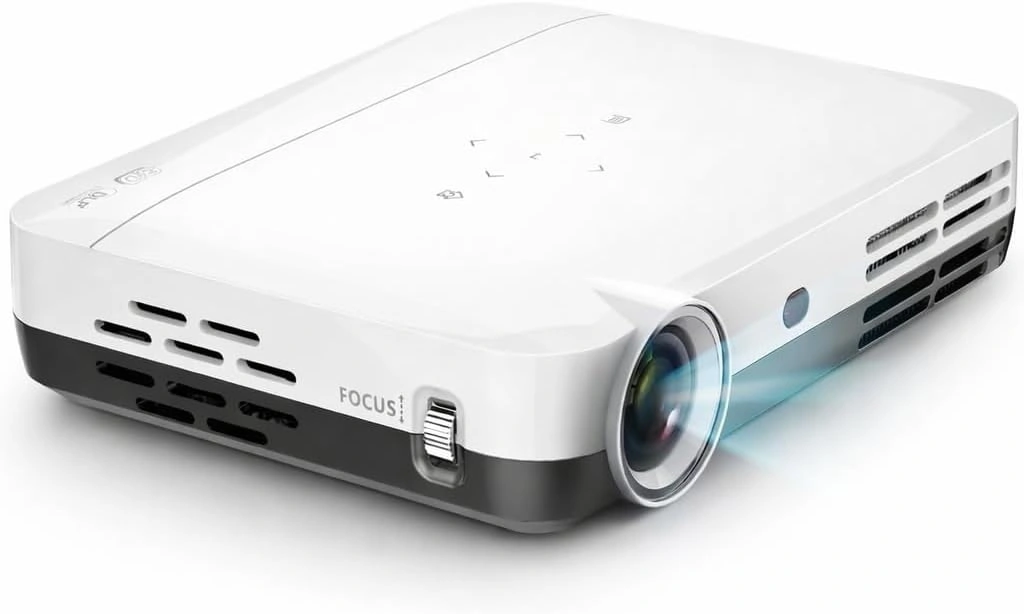
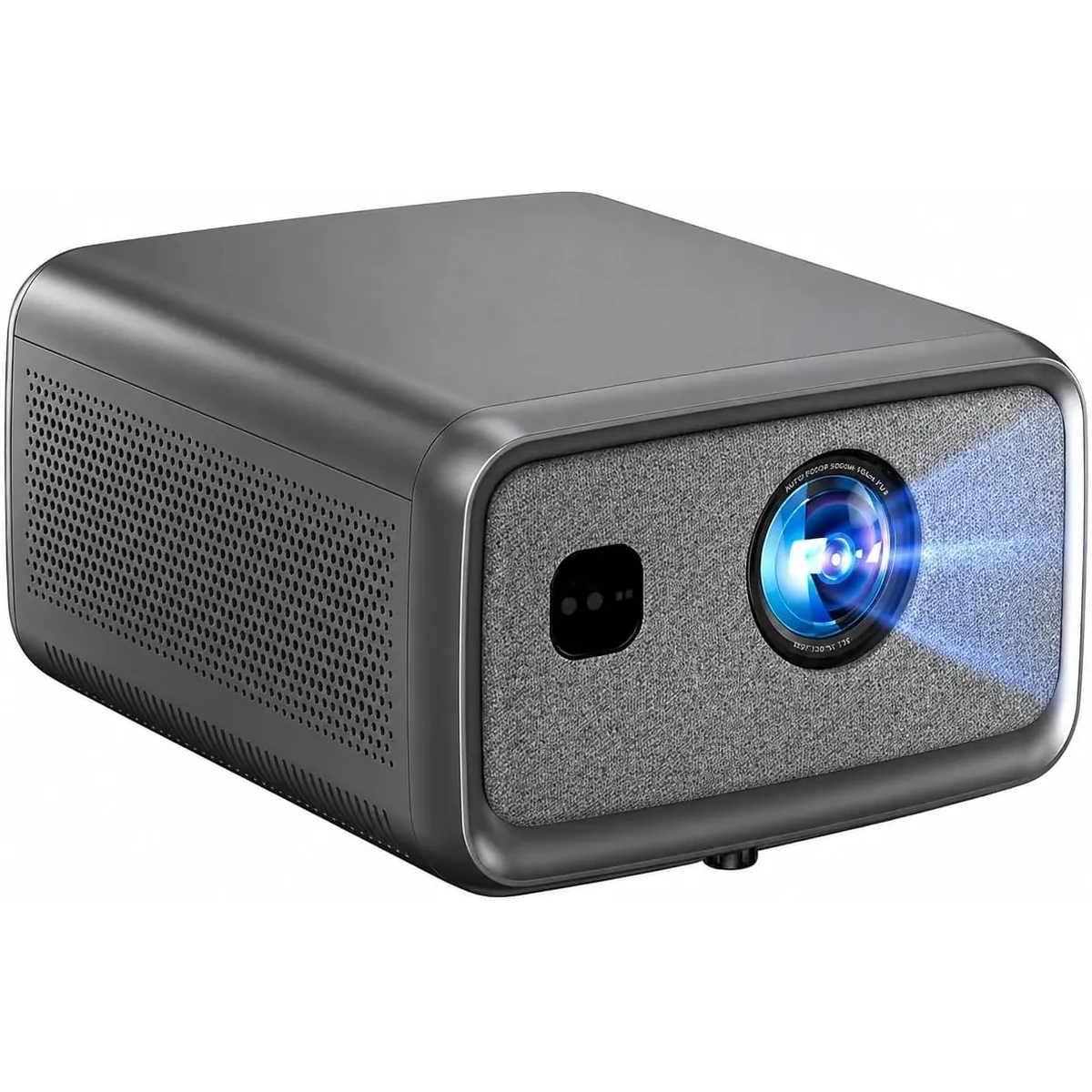
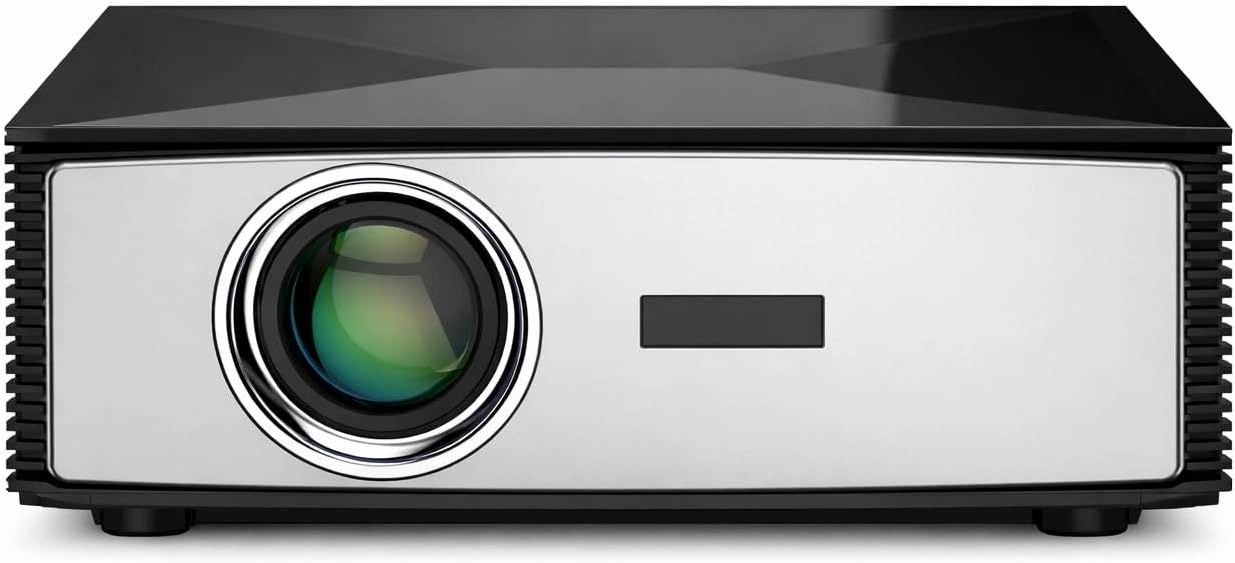
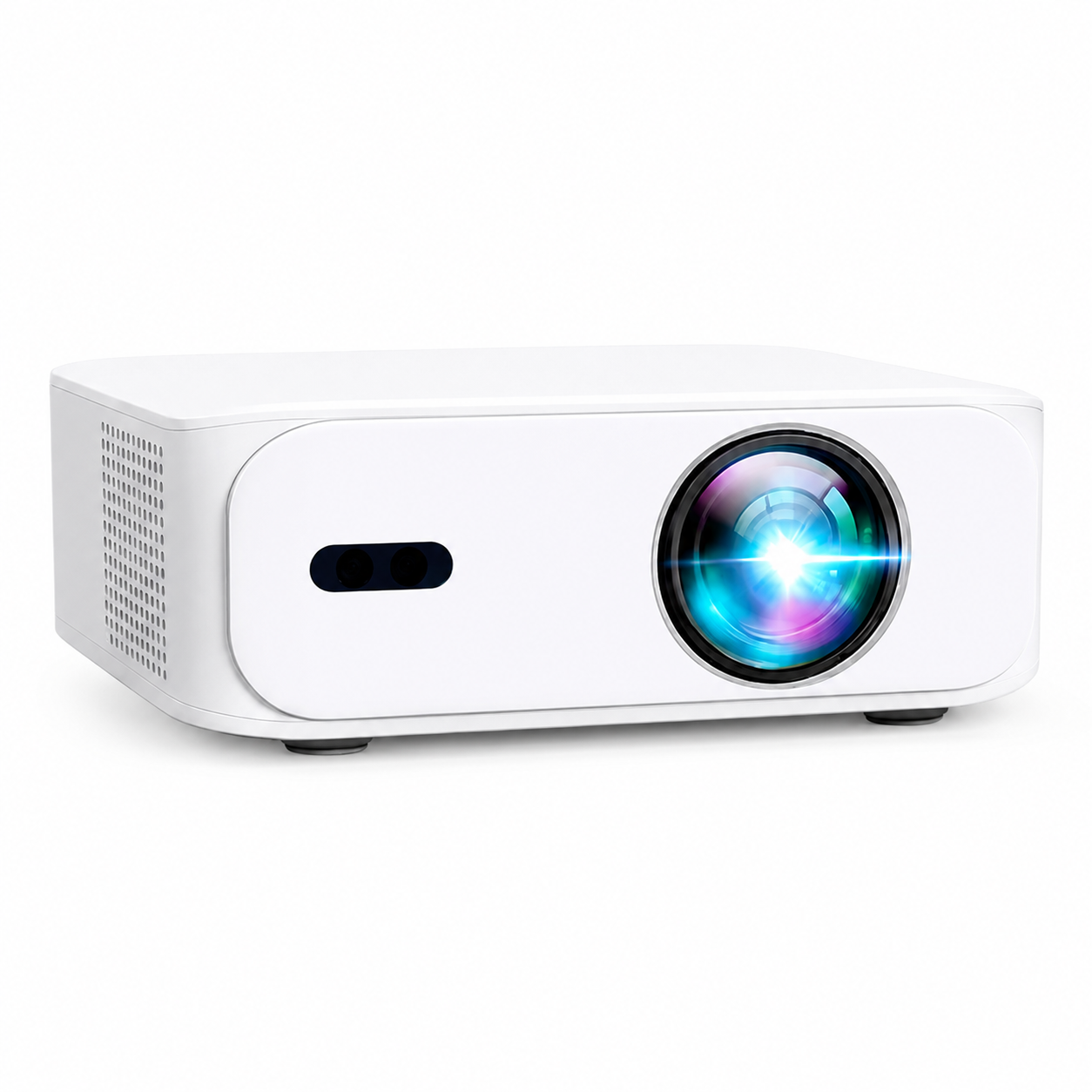
The BOSS A5 and S6A are Full HD options for shoppers who prioritize price and compact setups. The S7 provides 4K UHD output; the S8A is a Full HD model that accepts compatible 4K input. Product pages show the current administrator-controlled price, stock and included bundle so an old article never becomes the pricing source.
Bright Toronto rooms still need light control
No portable home projector should be marketed as defeating direct sunlight. That does not make a bright living room unsuitable for daytime viewing: the BOSS S7 is suitable for indoor daytime viewing in ordinary rooms when direct sun is kept off the screen. Curtains, blinds and screen placement often make a larger improvement than an unstandardized lumen number. Its listed 7,000 manufacturer-rated lumens (not an ANSI measurement) are manufacturer-rated rather than independently measured ANSI lumens, so ask for the measurement method and plan to reduce light at the screen.
Included bundles and GTA demonstrations
Direct A5, S6A and S8A orders include a screen, ceiling mount and red-and-blue 3D glasses. Direct S7 orders include a screen, ceiling mount and active-shutter 3D glasses. Confirm the current product-page offer before payment because marketplace bundles can differ.
Free on-site demonstrations are available by appointment in eligible Greater Toronto Area locations. Send your city, room dimensions, preferred model and intended use to support so the team can confirm availability and prepare the right setup.
Match the model to the way you will use it
For a bedroom or compact condo, start with the A5 or S6A and a realistic Full HD image size. A smaller image normally looks brighter and is easier to place. If the projector will move between rooms, leave enough ventilation space and avoid a permanent cable plan that makes relocation difficult.
For a dedicated basement theatre, compare the S7 and S8A, plan a fixed screen position and route HDMI and power before installing the ceiling mount. The S7 is the model to compare when active-shutter 3D is important. The S8A is positioned for flexible indoor and evening outdoor viewing. Outdoor equipment still needs protection from rain, condensation and unstable mounting surfaces.
For gaming, use HDMI where practical and judge latency with the actual console and game settings. Wi-Fi speed does not determine controller or display response. For presentations, prioritize readable native resolution, stable placement and the correct laptop adapter over the largest advertised image size.
Prepare for a useful GTA demonstration
A demonstration is more useful when it answers the buyer's room-specific questions. Before requesting an appointment, send:
- Your GTA city and preferred appointment window.
- A photo facing the intended screen wall.
- Lens-to-screen distance and maximum usable screen width.
- Whether daylight can be controlled with blinds or curtains.
- The source devices, audio system and projector model you want to compare.
The address listed on the website is the incorporated business address. Free demonstrations are arranged on site by appointment in eligible GTA areas; confirm the appointment before travelling or preparing the room.
A simple Toronto buying decision
Choose A5 or S6A when Full HD, a lower purchase price and a smaller-room setup are the priorities. Compare the S7 when native 4K UHD output is important; compare the S8A when its Full HD display, compatible 4K input and Google TV interface fit the room and source devices. In every case, confirm throw distance, room light, source compatibility and the exact included accessories. If those four facts are clear, the buying decision becomes much safer.
Current models and prices
Explore the current models
Review the key specifications and current prices. Open a model for the full details.