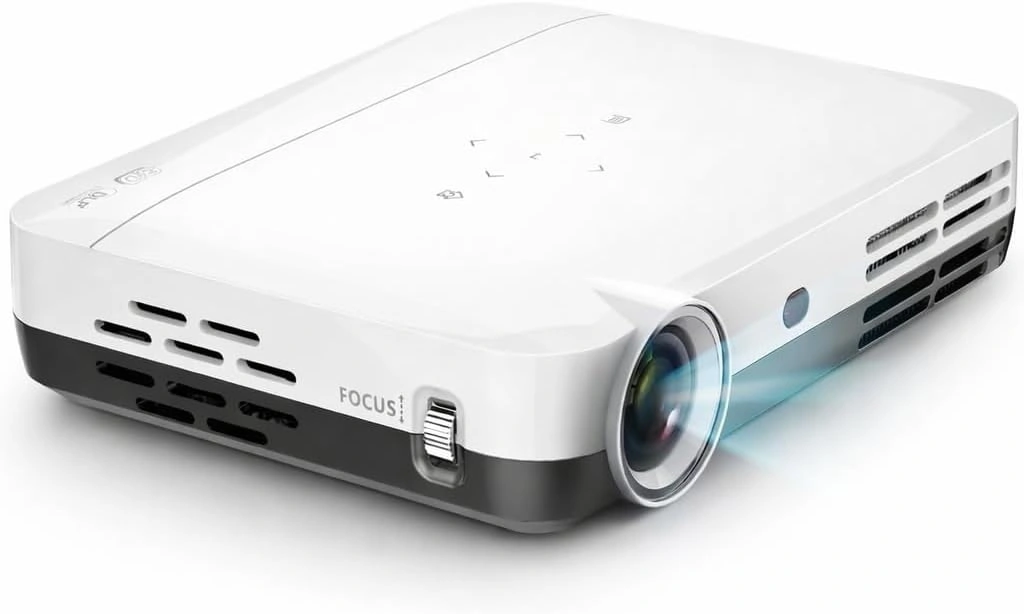
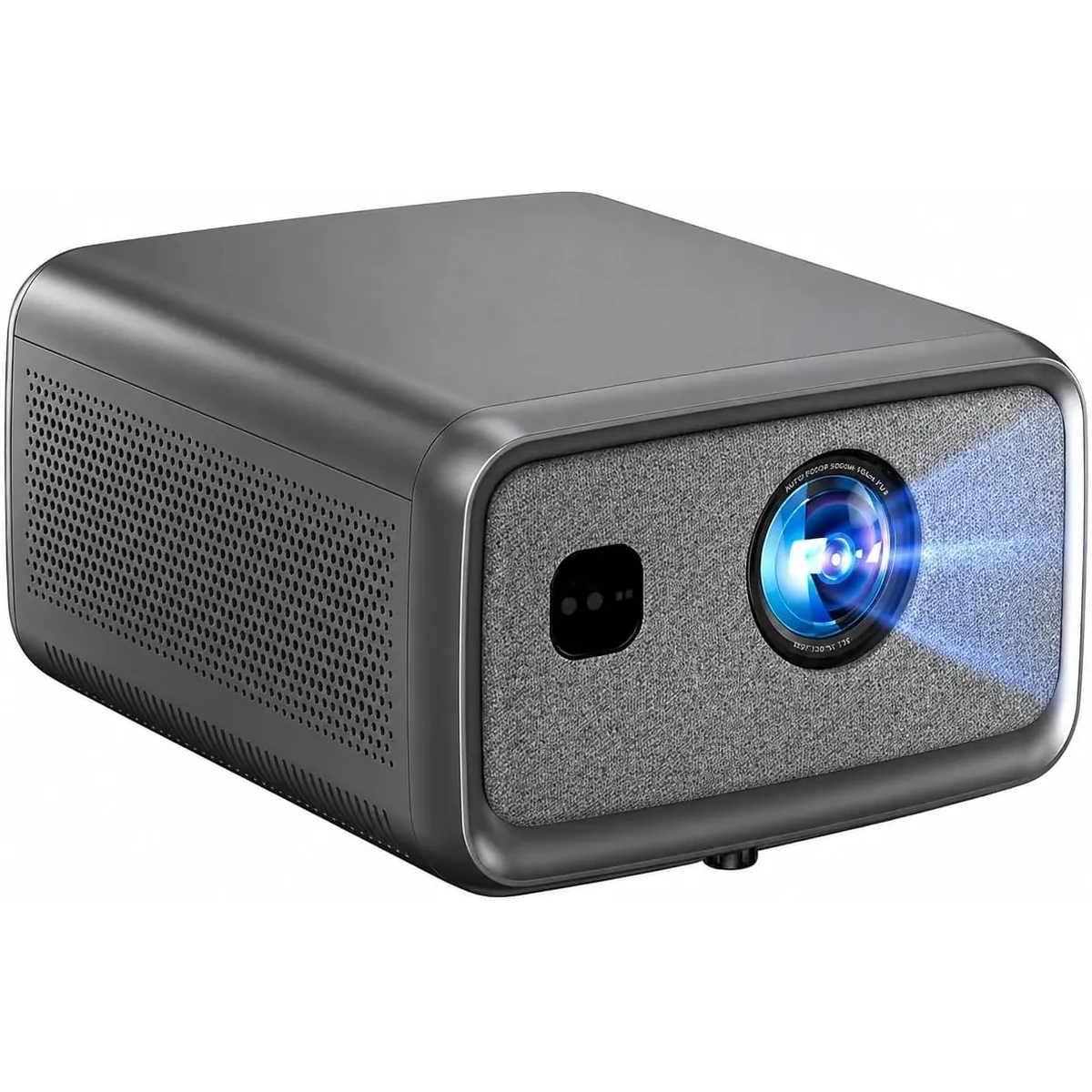
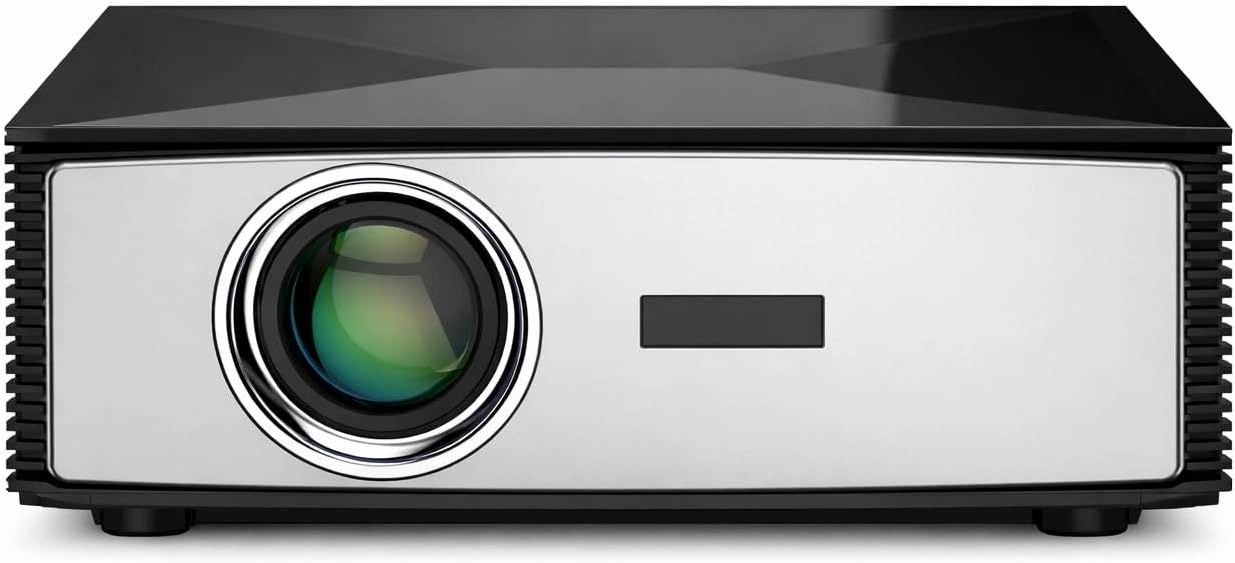
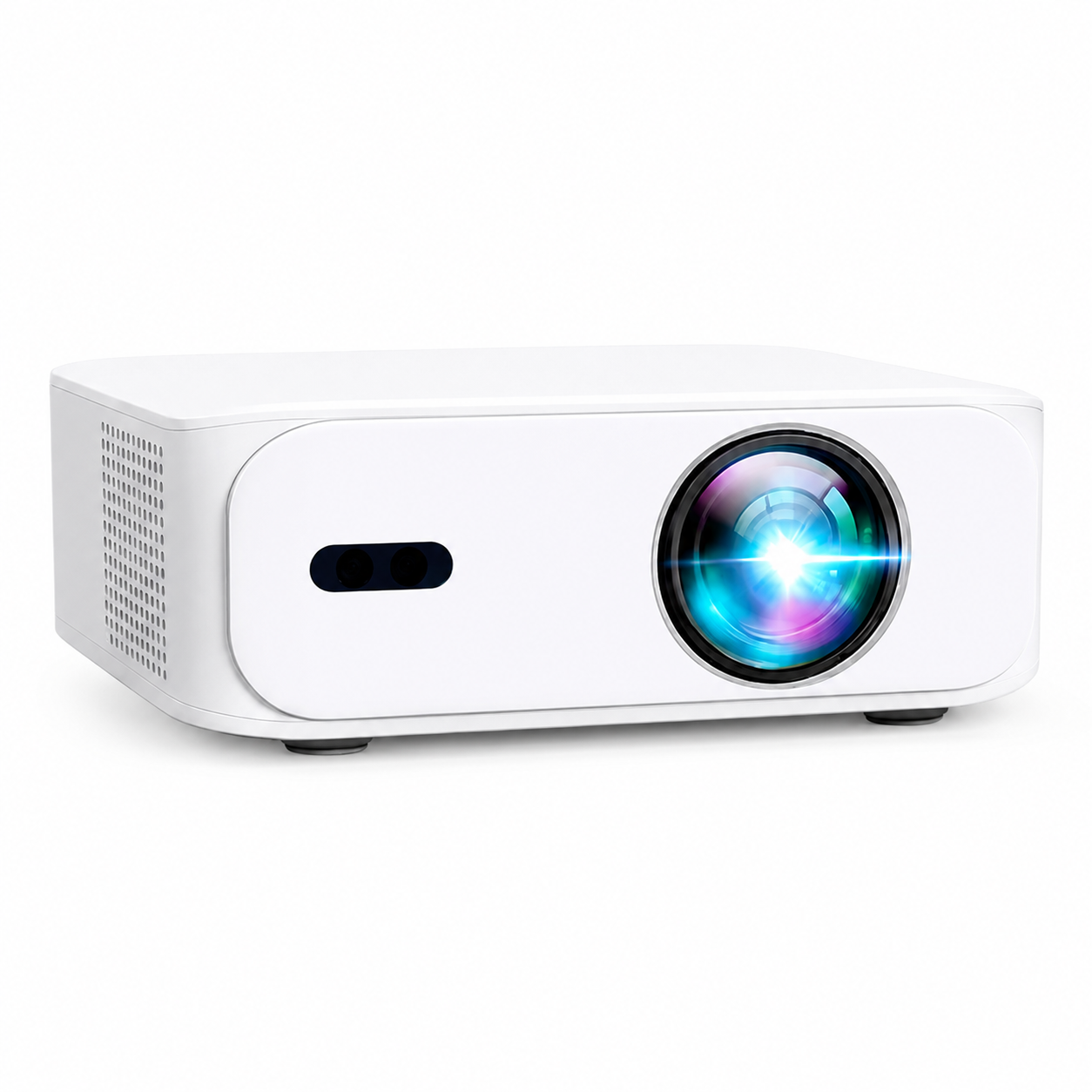
Canadian projector buying guide
How a Projector Is Used - Everything You Need to Know
A projector is one of the most versatile devices you can own. It can turn any wall into a home theater, transform business meetings into professional presentations, and even help with education and gaming.

Many people wonder exactly how a projector is used and what makes one model better than another. The answer depends on what kind of projector you have and how you plan to use it.
With modern innovations like those found in Boss Projectors, you can enjoy 4K clarity, smart connectivity, and true portability for nearly any purpose.
Understanding How a Projector Works
Before learning how to use a projector, it helps to know what it does.
A projector takes a digital video signal from a device like a laptop, phone, or streaming stick and displays it onto a larger surface, usually a wall or screen.
Projectors combine a light source, imaging system and lens. The exact technology varies by model. The S7 provides 4K UHD output; its manufacturer lumen rating should not be treated as an independent ANSI measurement.
How to Set Up a Projector
Setting up a projector is simple and can be done in just a few steps.
-
Choose a surface or screen: For best results, use a clean, white wall or a dedicated projector screen.
-
Position the projector: Place it at the correct distance to get the screen size you want. Choose an image size that matches the room, throw distance and light; check the current model guidance before mounting.
- Connect the source: Use a compatible HDMI input or a wireless casting system supported by both devices. USB media playback and Bluetooth audio are separate functions; check the exact model.
-
Adjust focus and keystone: Use the focus and image-correction controls specified for your model. The S7 uses remote digital focus and automatic keystone correction; check each model page for its focus controls.
-
Play your content: Once everything is connected, you can stream, play, or display anything you want.
Using a Projector for Home Entertainment
One of the most popular uses of a projector is for home entertainment.
The S7 provides 4K UHD output and lists Wi-Fi. Wireless video still requires a compatible casting method on the source and receiver; a supported HDMI source is another option.
Use an app supported on the projector’s current software or a compatible certified HDMI streaming device. Provider licensing and app availability can change.
A compatible Bluetooth speaker may provide external audio if the projector supports the required output. Bluetooth pairing alone does not establish surround-sound support.
Explore the Boss S7 4K Portable Projector on Best Buy
Using a Projector for Business or Education
Projectors are a must-have in offices and classrooms.
Teachers can use them to display lessons, videos, and interactive materials to larger groups. Business professionals use them for client meetings, product demos, and conferences.
The BOSS S8A Native 1080p Smart Projector with compatible 4K input is excellent for such environments. It features Google TV integration, auto focus, and auto keystone correction, allowing fast setup and seamless content access.
It’s also compact and lightweight, so you can carry it easily from one room to another.
View the BOSS S8A Native 1080p Smart Projector with compatible 4K input on BOSS Projectors product page
Using a Projector for Gaming
Gamers love projectors because of the large display size and immersive visuals.
For games, check the exact input modes and measured input lag of the projector. This guide does not provide a verified S7 latency result.
Connect your console via HDMI, or stream games from your laptop or cloud gaming service.
Test the actual game and source settings before relying on the setup for competitive play.
Using a Projector for Outdoor Events
Projectors aren’t just for indoors. You can take them outdoors for backyard movie nights, sports screenings, or camping trips.
For occasional outdoor viewing, first check the model’s operating conditions. Use dry, stable conditions after dark and keep electronics away from moisture; portability is not a weather-resistance rating.
Just plug into a power source, connect your device, and start streaming.
The A5 is a Full HD option. Match the image size to its current throw guidance, room light and source for each location.
Check out the BOSS A5 Full HD Portable Smart Projector on BOSS Projectors product page
Connecting Devices to a Projector
Check the source and projector together. A matching connector or wireless badge is only a starting point; supported video modes, casting systems and file formats still matter.
Here’s how you can use them:
-
HDMI: Connect laptops, game consoles, or TV sticks.
-
USB: Play files directly from a flash drive.
- Wi-Fi: Use compatible network apps or a casting system supported by both the source and receiver.
-
Bluetooth: Pair with speakers or headphones.
The S7 lists several connections, but each has a specific purpose. Check compatible sources and functions on the current product page and in the manual.
Projector Maintenance and Longevity
Using a projector properly also means maintaining it.
Here are a few quick tips:
-
Keep it clean and dust-free.
-
Allow proper airflow around the ventilation.
-
Avoid touching the lens with fingers.
-
Use it in a dry environment.
-
Turn it off correctly after use to protect the lamp.
LED light-source life varies by model, operating mode and use. Follow the cleaning, ventilation and service instructions; a lifetime rating is not a warranty or a no-maintenance guarantee.
Why Choose Boss Projectors for Versatile Use
Boss Projectors combine technology, portability, and smart design.
The Boss S7 4K Projector leads the way with exceptional brightness, multiple connection options, and stunning clarity. It’s ideal for home theaters, offices, and gaming.
The Boss S8A adds smart streaming capabilities with Google TV, and the Boss A5 offers a compact, budget-friendly option for everyday entertainment.
| Feature | Boss S7 | Boss S8A | Boss A5 |
|---|---|---|---|
| Resolution | 4K UHD | 1920 × 1080 Full HD (compatible 4K input) | 1080p Full HD |
| Brightness | 7000 lumens | 7,000 manufacturer-rated lumens (not an ANSI measurement) | 4000 lumens |
| Wi-Fi | Yes | Yes | Yes |
| Bluetooth | Yes | Yes | Yes |
| Smart System | Android | Google TV | Android |
| Portability | High | High | Medium |
Frequently Asked Questions
What is a projector used for?
A projector is used to display videos, presentations, or games onto a larger screen or wall. It’s perfect for entertainment, business, and education.
Final Thoughts
Now that you know how a projector is used, it’s clear that this technology offers much more than just big screen entertainment. From home theaters to classrooms and business meetings, projectors bring flexibility and cinematic quality to every environment.
The Boss S7 4K Projector stands out as the best all-around option for anyone looking to combine performance, smart features, and portability.
Explore the Boss S7 4K Projector on BOSS Projectors product page
View the BOSS S8A Native 1080p Smart Projector with compatible 4K input on BOSS Projectors product page
Check out the BOSS A5 Full HD Portable Smart Projector on BOSS Projectors product page
Current models and prices
Explore the current models
Review the key specifications and current prices. Open a model for the full details.