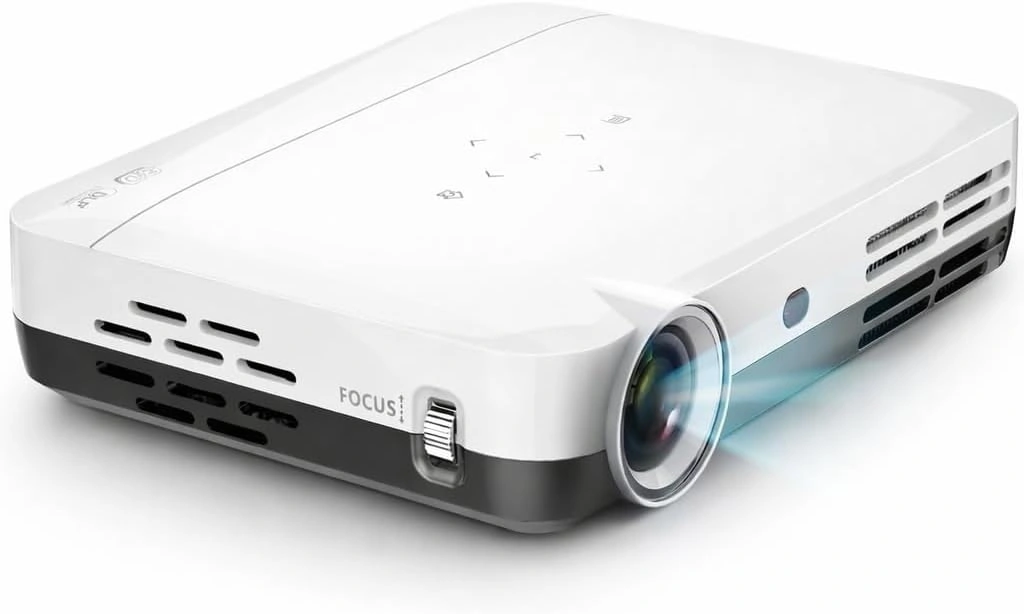
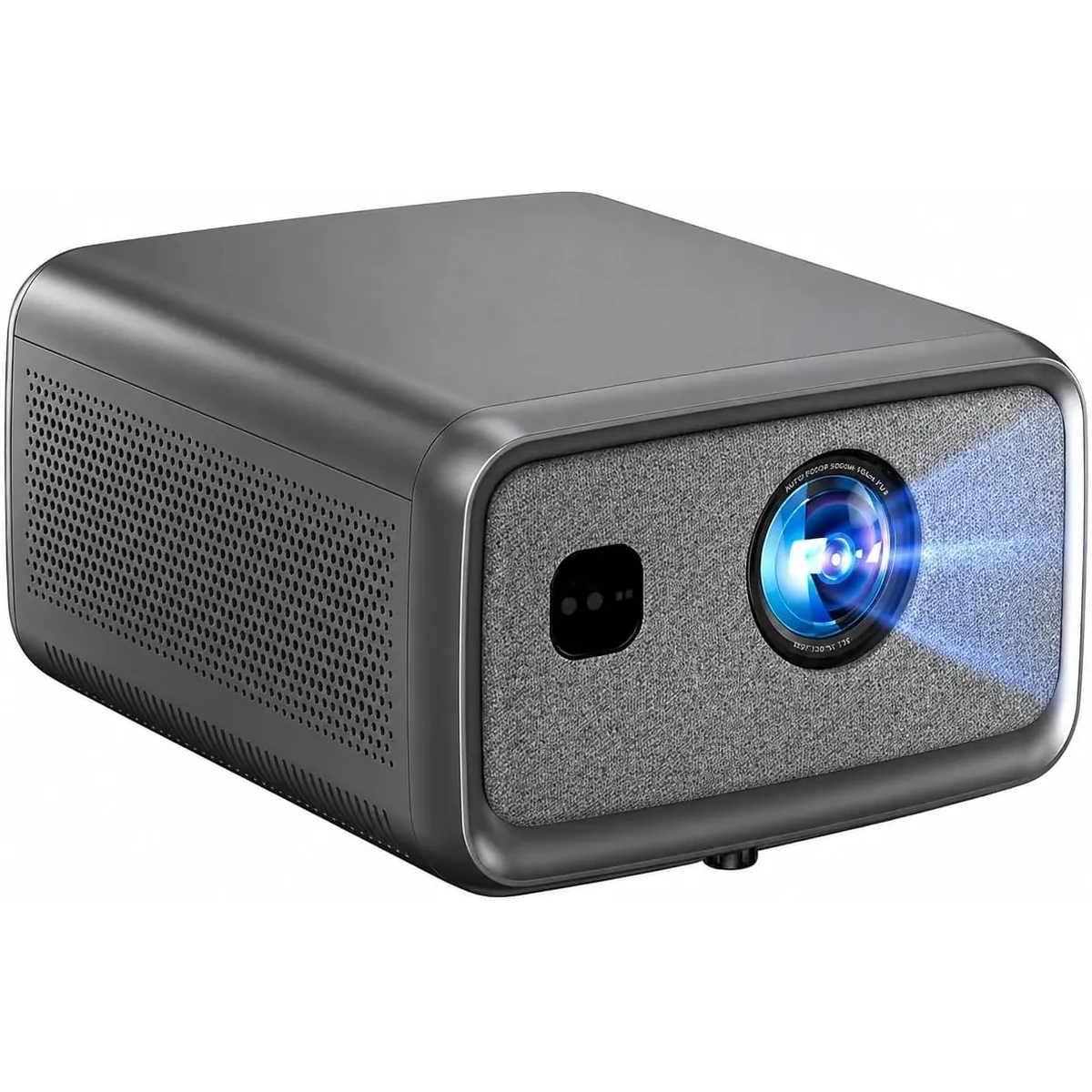
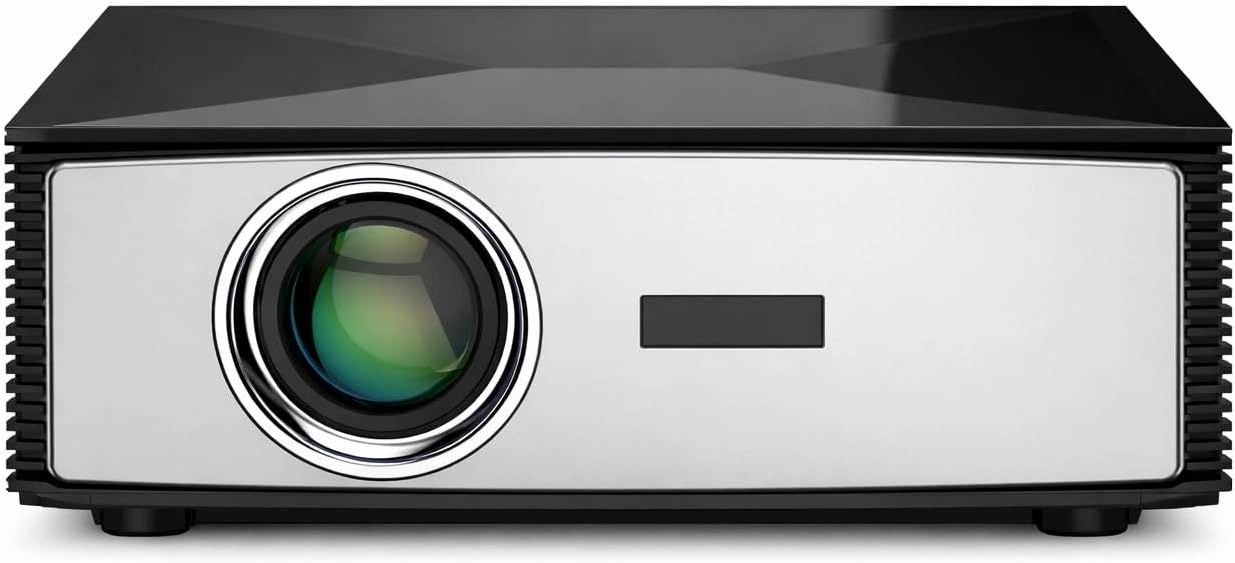
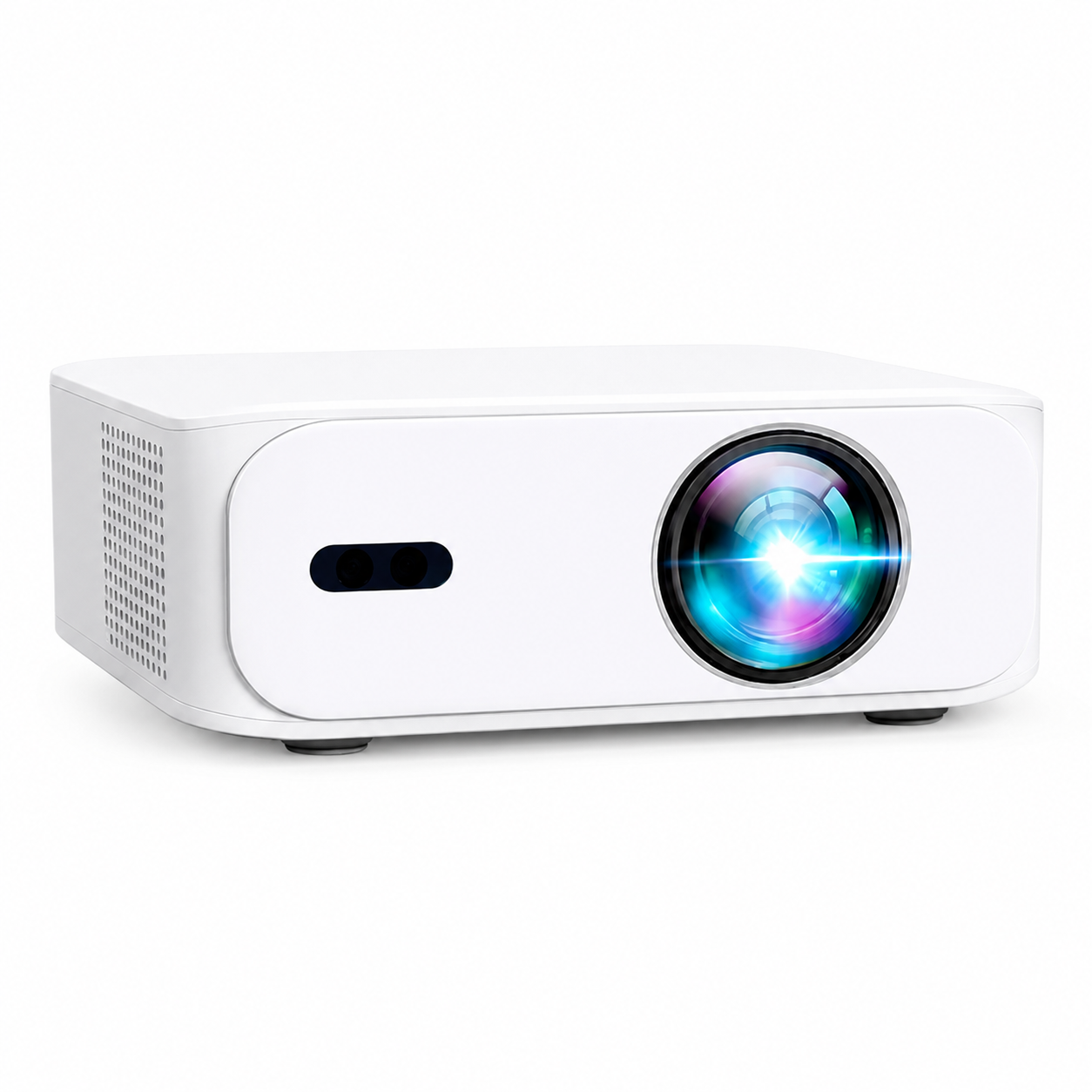
Canadian projector buying guide
Can a Projector Connect to Wi-Fi? A Practical Setup Guide
A projector can connect to Wi-Fi when the exact model supports wireless networking and it can join a compatible router. That connection can be useful for compatible apps, updates or casting, but it does not guarantee that every streaming app, phone or protected video service will work the same way. Check the current product page and the provider's requirements before buying or troubleshooting.

What a Wi-Fi connection can do
Wi-Fi gives a supported projector access to the local network. Depending on the model and software, that can allow an installed app to reach the internet, a compatible phone or laptop to cast, or a software update to download. The projector still needs a stable network and a compatible source. A Wi-Fi logo alone is not a promise of every app, every casting protocol or cable-free playback in every room.
Streaming services can limit playback based on their app version, country, account and content-rights rules. If an app is unavailable or a cast is blocked, a certified HDMI streaming device is usually the most predictable fallback. For a console, laptop or cable box, a direct HDMI connection is also normally more reliable than a wireless connection.
General connection steps
The exact menu names vary by model, but the usual process is straightforward:
- Turn on the projector and open its settings menu.
- Find Network, Internet or Wi-Fi settings.
- Select the home or office network and enter the password.
- Wait for the connection confirmation before opening an app or starting a cast.
- Check for a model-supported system update only after the connection is stable.
Do not share a network password with a visitor or support agent. If support needs to help, a screenshot of the connection error without the password is normally enough to start diagnosing the issue.
If the projector will not connect
First, confirm that the router is online by testing another device in the same room. Then restart the projector and router, re-enter the password carefully and move the projector closer to the router for one test. Some networks separate 2.4 GHz and 5 GHz bands or use a guest network; compatibility depends on the projector and router, so use the frequency and security setting stated in the current model documentation.
Hotel, school and apartment-building networks can require a browser sign-in page that a projector may not display. In that case, a personal hotspot or wired source can be more practical. Do not factory-reset a projector until you have saved any setup details and checked the manual, because a reset removes saved networks and preferences.
Wi-Fi is not the same as picture quality or gaming response
Network speed affects online video buffering and casting stability. It does not turn a lower-resolution source into a higher-resolution image, and it does not by itself determine game-controller response. For gaming or lip-sync-sensitive audio, use the real console and an HDMI cable where practical, then test the complete setup before mounting equipment permanently.
Before choosing a wireless projector setup
Compare the current model's documented Wi-Fi, app, casting, HDMI and Bluetooth capabilities. Confirm the room's router coverage, your source device and the streaming services you actually use. Keeping HDMI available as a fallback makes the setup more resilient when an app, router setting or content licence changes.
Current models and prices
Explore the current models
Review the key specifications and current prices. Open a model for the full details.