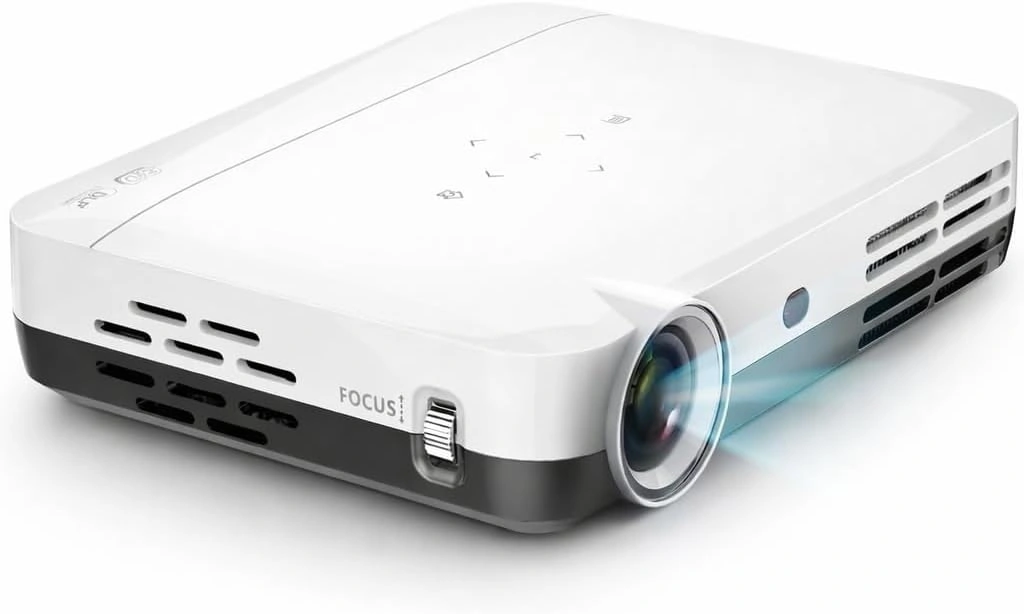
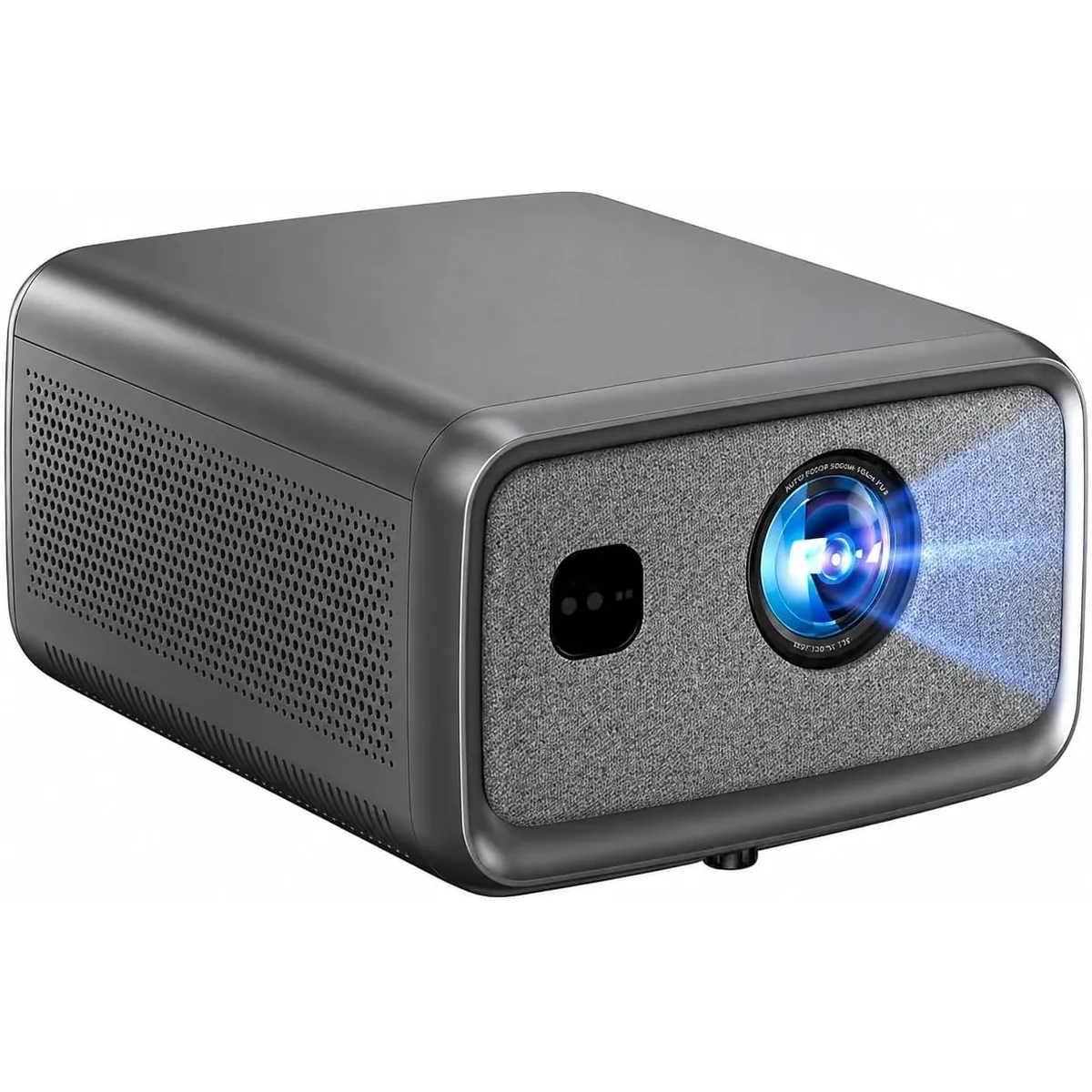
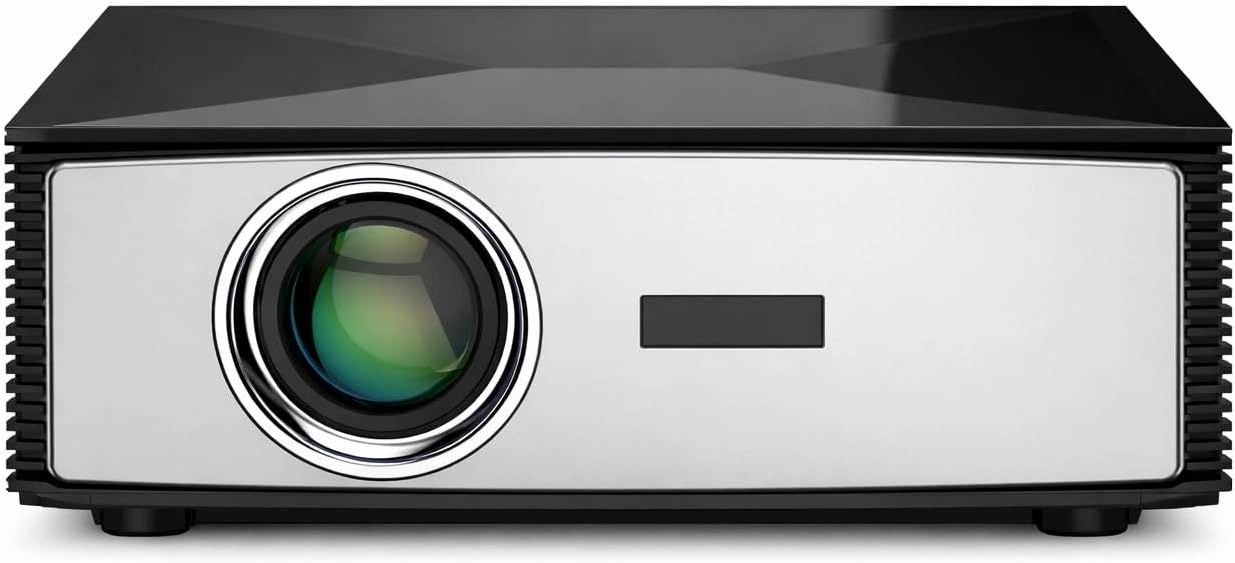
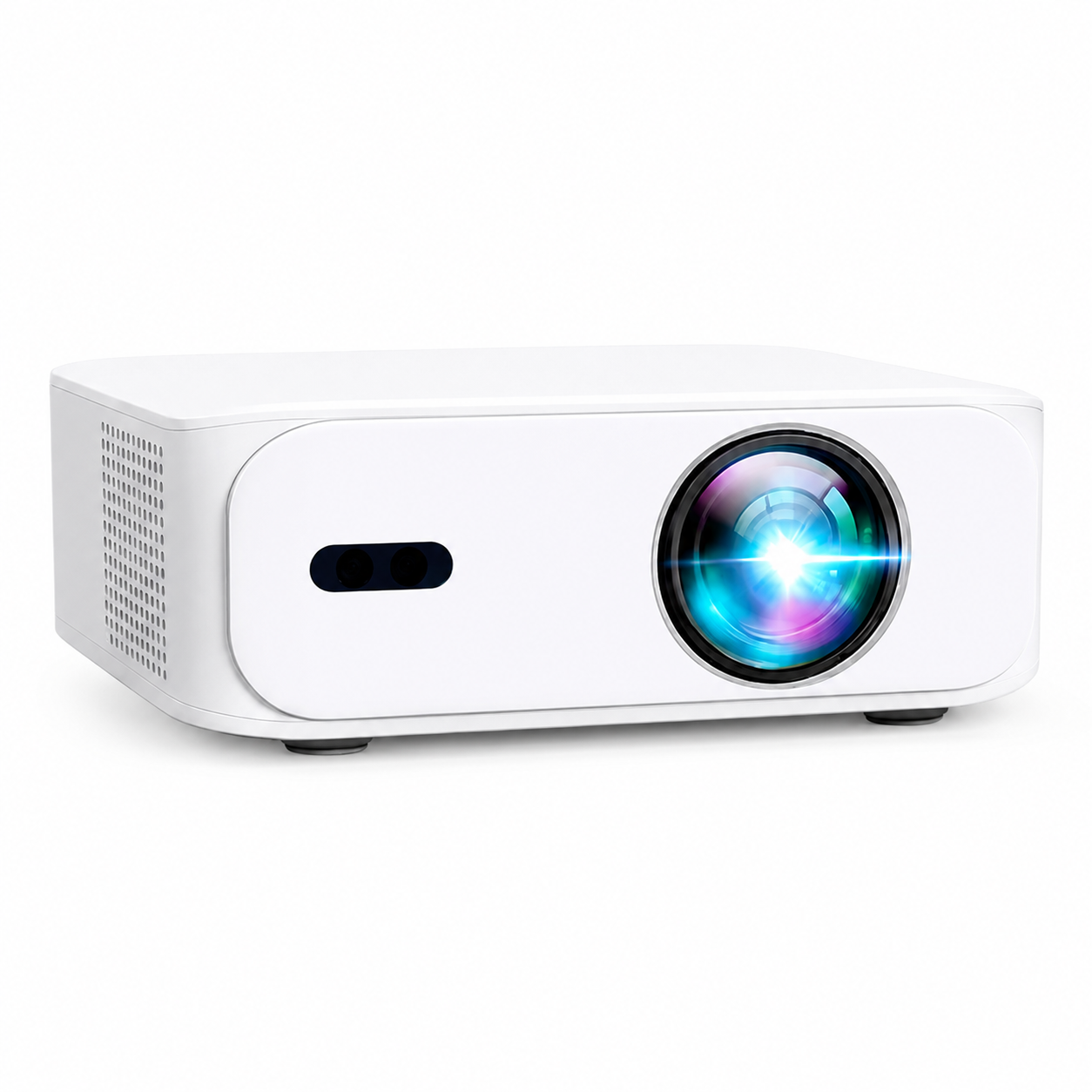
Canadian projector buying guide
Can a Projector Replace a TV? What to Consider First
A projector can be used for television, movies, games and streaming when it is connected to an appropriate source. A cable box, streaming device, game console, laptop or over-the-air tuner can send video through a compatible input. The more useful question is whether a projector fits the room and daily routine better than a television.

A projector needs a source and a suitable screen area
Unlike a television with built-in broadcast reception, a projector normally needs an external source for live television and most streaming services. HDMI is the usual connection for a cable box, console, laptop or certified streaming device. App availability can differ by model, country and provider licence, so do not rely on a built-in app as the only way to watch a service you use every day.
The image also needs a clear wall or screen. A dedicated screen can provide a more consistent surface than a textured or coloured wall, but placement and room light still matter. Before buying, measure lens-to-screen distance, usable image width, seating distance and where power and cables will go.
Room light changes the decision
Televisions generally remain easier to see in a bright room because the panel emits light directly. A home projector performs best with controlled light. Blinds, curtains and keeping direct sun off the screen can make a substantial difference. Outdoor viewing is usually most practical after sunset, with equipment protected from moisture and unstable surfaces.
If the room is used mainly during a bright afternoon and cannot control light, a TV may be the more dependable everyday display. If the room can be darkened for films, sports or evening viewing, a projector can create a larger image without making the wall permanently a television zone.
Plan audio as part of the picture
Built-in speakers can be useful for a quick setup, but a larger room may benefit from a soundbar, AV receiver or compatible powered speaker. Test any Bluetooth connection for lip-sync before mounting equipment. A wired or HDMI audio route is often more predictable for games, dialogue-heavy films and sports.
Consider installation and daily use
A television is usually quicker to turn on and use in daylight. A projector asks for more setup: focus, screen alignment, source selection, ventilation and sometimes cables across the room. Automatic image tools can help on supported models, but they do not replace a sensible mounting position. Place the projector level and square to the screen whenever possible.
For a flexible apartment or family room, a portable setup that can be packed away may be appealing. For a basement theatre, a mounted projector and fixed screen can be practical after the source devices, audio and screen size have been tested. Keep the packaging and review the current eligible-return terms before drilling or making permanent changes.
Decide from the room, not a marketing label
Choose based on light control, screen size, sources, audio and how often the display is used during the day. A projector is a strong TV alternative for the right room; it is not a universal replacement for every bright living room. Compare the current specifications and test the setup in the space where it will be used.
Current models and prices
Explore the current models
Review the key specifications and current prices. Open a model for the full details.