Canadian projector buying guide
Are Projector Screens Measured Diagonally?
Yes. Projector screens are normally sold by diagonal size, in the same way as televisions. The diagonal alone is not enough to plan a projector setup, though. You also need the screen's aspect ratio, visible width and height, lens-to-screen distance, seating distance and the space around the screen for speakers or furniture.

Start with the aspect ratio
Most home video uses a 16:9 aspect ratio. A 100-inch 16:9 screen is about 87 inches wide and 49 inches high. A 120-inch 16:9 screen is about 105 inches wide and 59 inches high. The same diagonal on a 4:3 screen is narrower and taller, so always confirm the listed ratio before comparing dimensions.
For films, streaming and games, 16:9 is usually the simplest match for the source. Presentations and older content may use other ratios. A projector can often display different shapes with black bars, but the physical screen does not change size, so choose the format that suits most of your viewing.
Measure the wall and seating first
Mark the likely screen width on the wall with painter's tape before ordering. Check doors, light switches, speakers and furniture. Then sit at the normal viewing position and imagine the full screen height, not just the width. An oversized image can be tiring to watch and can make subtitles or presentation text harder to follow.
The projector must also be able to create that image from its actual mounting position. Throw distance varies by model, zoom setting and image mode. Use the current model documentation or a manufacturer calculator rather than choosing a screen from diagonal size alone.
A smaller screen can improve a bright-room setup
The same projector light is spread across the whole image. In a room with uncontrolled daylight, a slightly smaller image can look more comfortable and retain more contrast than a very large one. Blinds, curtains and keeping direct sun off the screen will usually help more than relying on a large marketing brightness figure.
Test before permanent installation
Project the planned size onto the wall before drilling or mounting a screen. Test a movie, subtitles, sport and any presentation text you use regularly. Confirm focus, audio, seating comfort and cable routes. Keep packaging until the screen, projector and room work together under the current eligible-return conditions.
Diagonal size is the shorthand, but width, height and room geometry make the final decision. Measure all three before choosing a screen or projector position.
Current models and prices
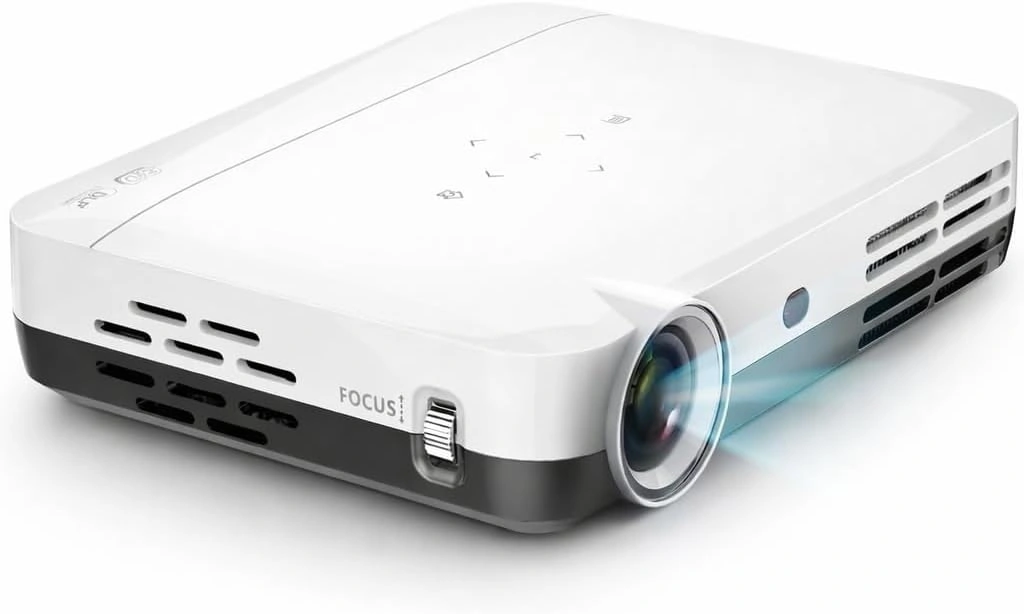
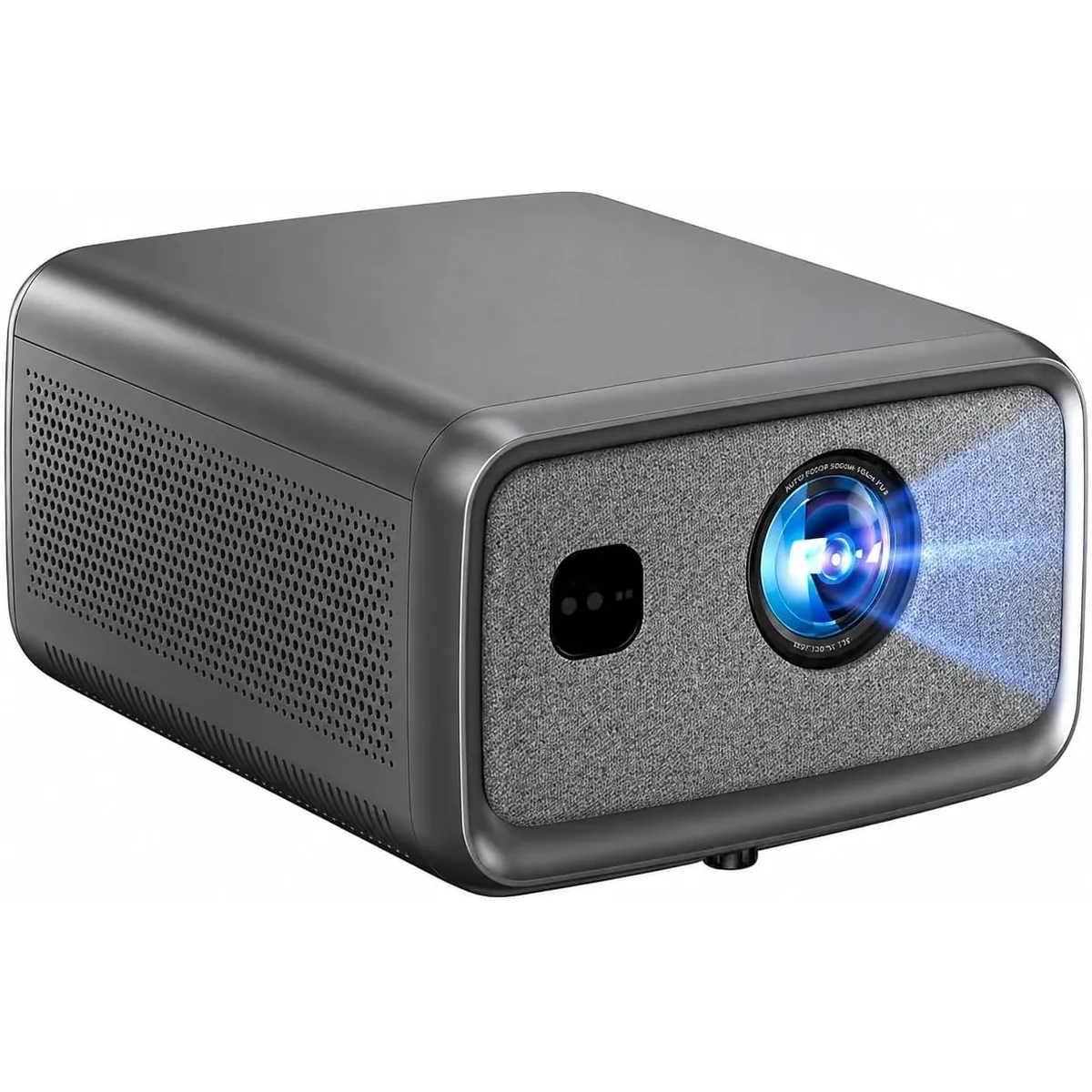
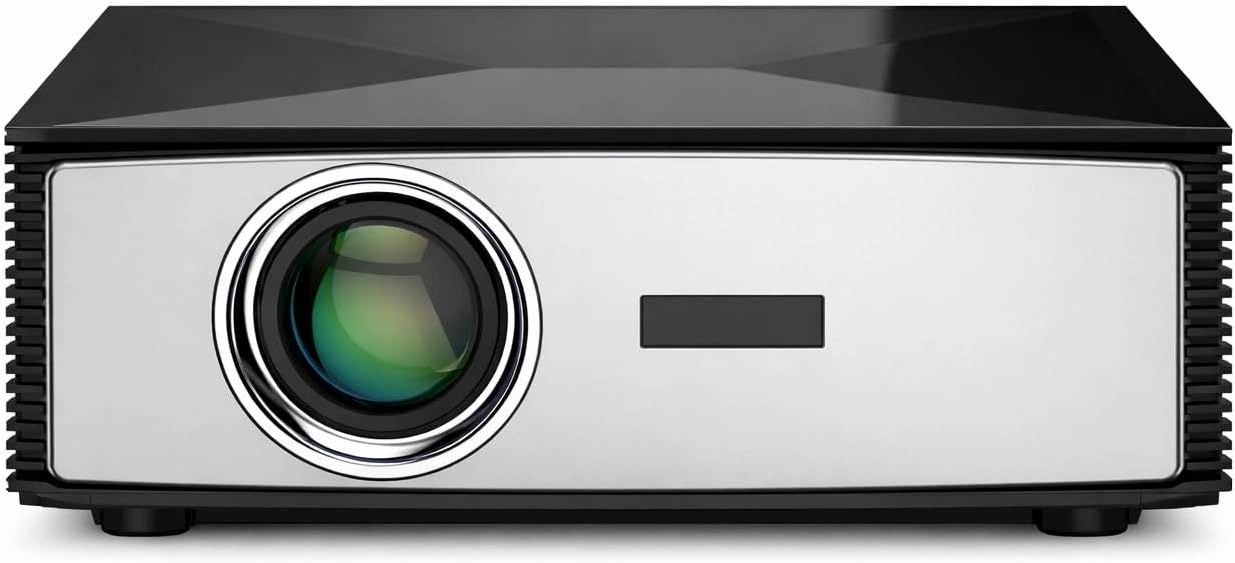
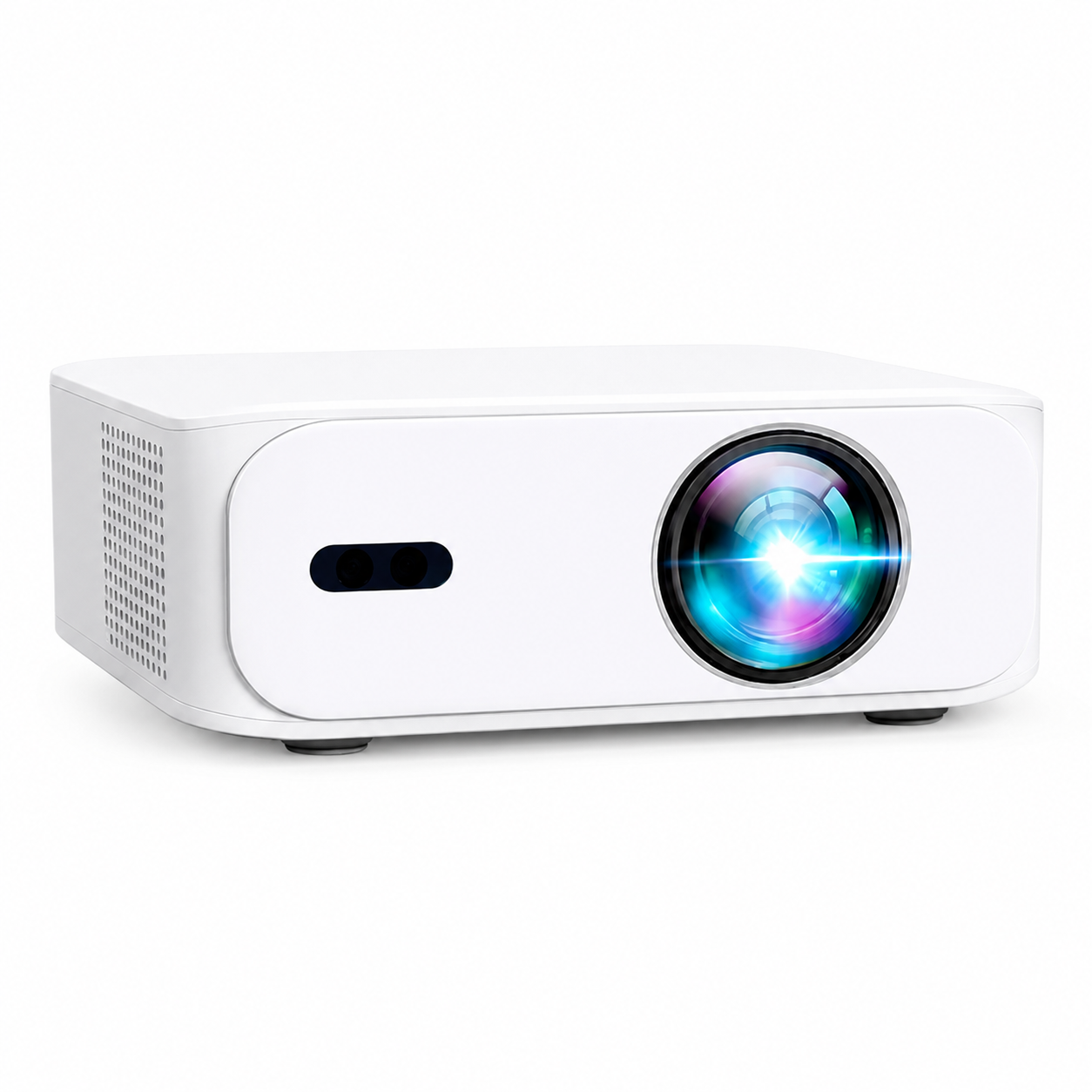
Explore the current models
Review the key specifications and current prices. Open a model for the full details.